What Is Sound Design? The Plain Guide for Producers
Summary
What is sound design? It is the craft of creating, recording and shaping the sounds themselves before you arrange or mix them. For producers and streamers it comes down to four sources (synthesis, sampling, foley, layering) and three moves: source, shape, place. AI tools speed up sourcing by generating textures and beds, but you still design the result. Check the licence on your plan before streaming.
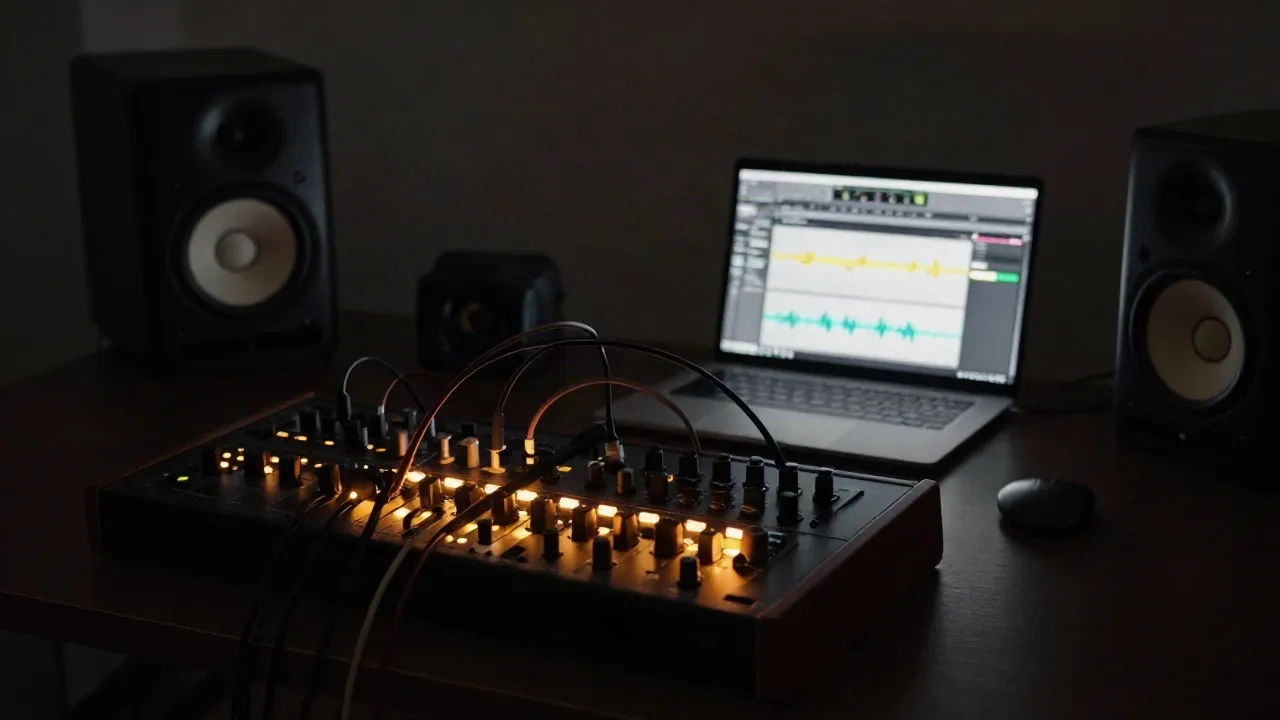
What is sound design? It is the craft of creating, recording and shaping the sounds themselves: the kick that hits like a door slam, the riser that pulls a drop forward, the room tone that makes a stream feel alive. Not the melody. Not the mix. The raw material. If you make electronic music or run a live stream, you already do it, you just might not call it that.
Here is the working definition for producers, plus the techniques that actually matter and where AI tools help or fall flat.
Sound design is making the sound, not arranging it
Strip the jargon and sound design is three jobs: source a sound, shape it, place it. Sourcing means recording, synthesizing or pulling from a library. Shaping means EQ, filtering, distortion, pitch, time and modulation. Placing means level, panning and space so it sits next to everything else.
Most definitions come from film and games, where it covers everything non-musical and non-dialogue. Epidemic Sound's breakdown lists recording, editing, layering, sampling and effects as the core tasks. In club music the meaning shifts. A producer saying "I spent the night on sound design" usually means they built one bass patch from scratch.
Same craft, different target. Film wants believability. Dance music wants impact and identity.
Two cases where the term gets abused. Picking a preset is not sound design. Dragging a sample into the DAW is arrangement. Sound design starts the moment you change something about the sound.
Synthesis, sampling, foley, layering: the four sources
Everything you hear in a track comes from one of four places, or a mix of them.
Synthesis: oscillators, filters, envelopes, LFOs. Build the sound from nothing. Best for bass, leads, pads, risers.
Sampling: record or grab a sound, then bend it. Pitch it, chop it, stretch it, granulate it.
Foley: performed, everyday sounds. Footsteps, cloth, objects. Film term, but producers use it for percussion and texture.
Layering: stack several sources into one composite sound.
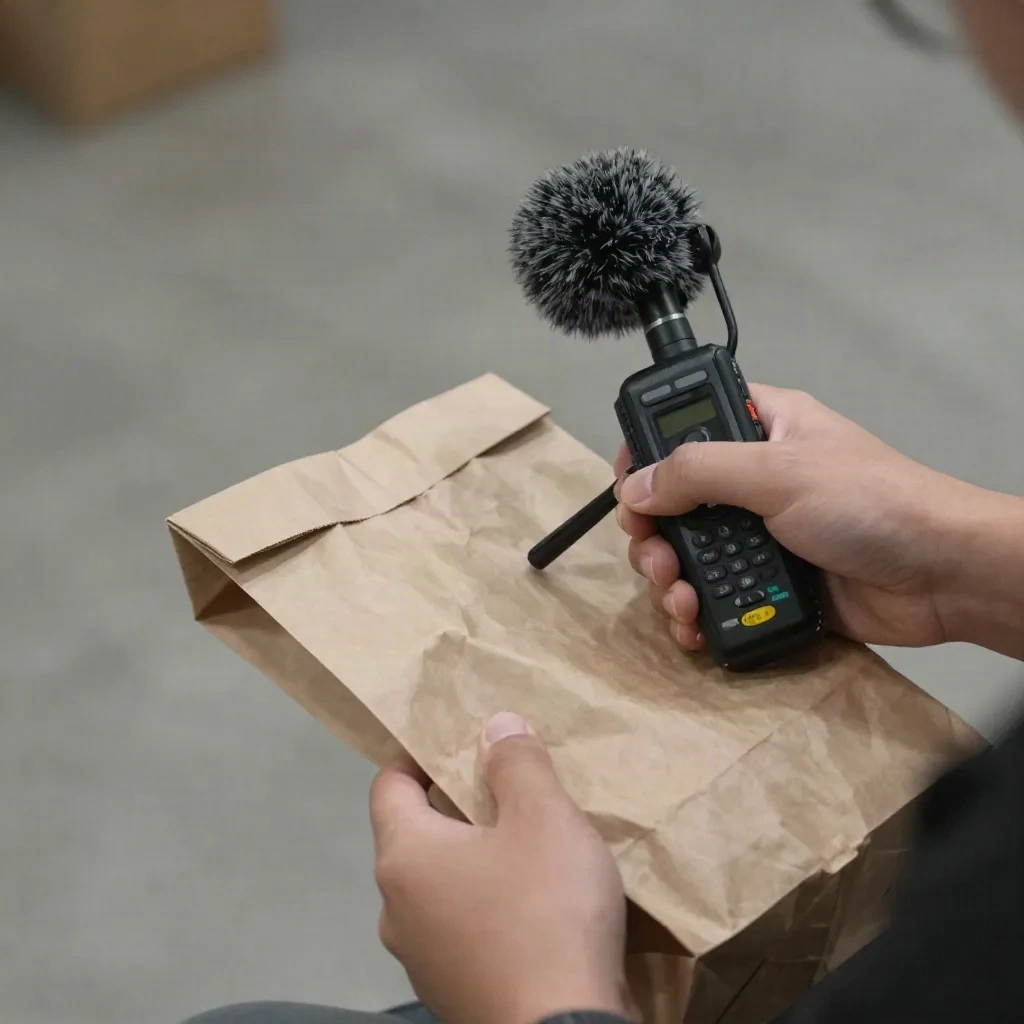
Foley sounds like a film-school thing. It is not. Crush a paper bag next to a handheld recorder, high-pass it at 400 Hz, add a short plate reverb, and you have a hi-hat texture nobody else owns. Here is what that sounds like at 140 BPM: a shaker that sounds like a room, not a plugin.
The part that transfers to every genre is layering. A good layered sound hides its construction. You hear one hit, not three.
How do you build a sound from scratch?
Take the layering recipe sound designers use for effects. Krotos breaks an impact into attack (the transient), body (the texture), low end (the weight) and movement (the tail). That maps straight onto a kick or a stab.
Build a techno kick in four layers:
Click: a 5 to 10 ms transient, high-passed above 2 kHz.
Body: a sine sweeping from about 150 Hz down to 50 Hz in under 100 ms.
Sub: a clean sine at 45 to 55 Hz, tuned to the key of the track.
Air: a short noise burst for room, low-passed so it does not fight your hats.
Then check phase. Layers that cancel each other at the low end are the number one reason a "thick" kick sounds thin. Flip polarity on one layer and listen. Trust the speakers, not the meter.
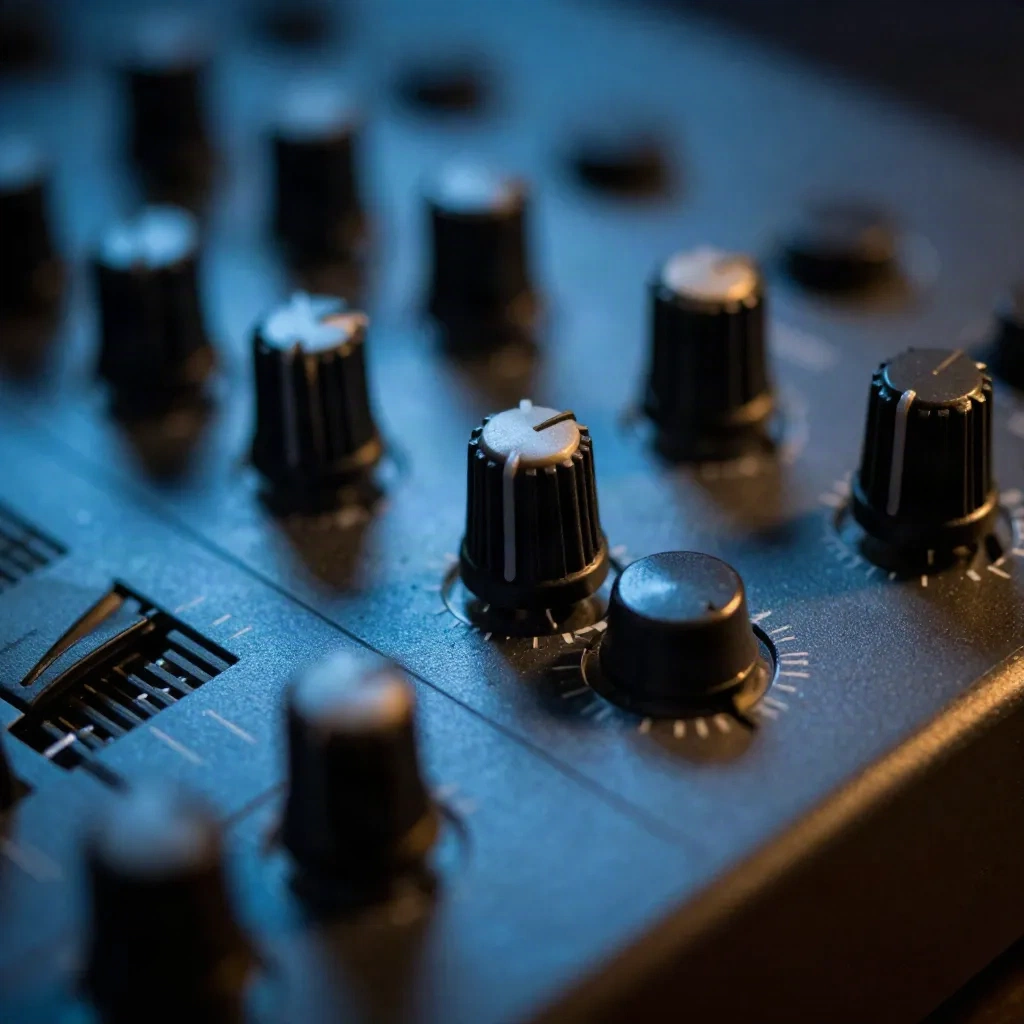
The filter is where most of the character lives. Learn one filter on one synth until you can predict what a 20 percent cutoff move will do before you touch it. That single skill beats a folder of 40 GB of presets.
Sound design vs mixing vs sound engineering
These get confused constantly, and mixing up the terms leads to fixing problems in the wrong place.
Sound design creates the sound. Mixing balances finished sounds against each other. Mastering finishes the whole track for delivery. Sound engineering is the technical side of capture and signal flow.
The test is simple. If the problem is "this snare has no snap," that is design: change the sound. If the problem is "the snare is buried under the guitar," that is mixing: change the level and EQ.
Fix at the source whenever you can. Boosting 3 dB at 5 kHz on a dull snare is a patch. Layering a better transient is a repair. We covered the finishing end of the chain in our piece on mixing versus mastering if you want the next stage.
Where does AI fit into sound design?
AI changes the sourcing step, not the shaping step. You describe a sound, you get audio back. What you do next is still on you.
Three honest observations after using these tools:
Text-to-audio is a sample source. Treat output like a found recording. Chop it, layer it, resample it. Do not drop it in raw and call it design.
Instrumental beds and textures are the sweet spot. Pads, ambient drones, noise beds and atmospheres come out usable fast.
One-shots are weaker. Tight, phase-coherent drum hits and clean sub tones are still easier to build in a synth than to prompt.
Stable Audio is the one to try first for pure sound design. It generates music and sound effects up to 6 minutes long at 44.1 kHz stereo, offers audio-to-audio style transfer and an inpainting mode, and it is trained only on data Stability AI has rights to. That last point matters if you put the results on stream or in a release. It is weaker on vocal songwriting, which is not the job here.
Udio outputs 48 kHz stereo and has inpainting, so you can regenerate one section and keep the rest. Its instrumental and cinematic output is the strongest part. Standard is $10 per month and includes stem downloads, which is what you want for pulling a texture out of a full generation.
Suno is built for full songs with vocals. For sound design that is the wrong shape, but the Pro plan at $8 per month includes stem separation, so you can mine a generated track for a single layer. Skip it if all you want is a riser. Worth it if you want vocal textures to chop.
Can you use AI-generated sounds on stream without DMCA trouble?
This is the question that decides whether a tool is usable for streamers. Short answer: check the licence on the plan you are paying for, not the marketing page.
Free tiers on several generators carry no commercial rights. Paid tiers usually do. A track that is "royalty-free" in the marketing copy can still trigger a claim if it resembles a catalogued work, so keep your project files and generation history as proof of origin.
Mubert is the cautious pick for live use. It trains on licensed and partner content only, it is DMCA-free by design, and its API supports live streaming with sub-second latency. It makes instrumental beds and ambient loops, no vocals. For a background layer under a stream, that is exactly the right scope. Creator pricing starts around $11.69 per month on annual billing.
Your own synthesized and recorded sounds carry zero licensing risk. That is the real advantage of learning the craft: a sound you built is a sound nobody can claim.
Which beginner habits kill a sound before it starts?
Three mistakes show up in almost every first-year project.
Stacking without checking phase. Two layers fighting at 60 Hz cancel each other and you lose the weight you were chasing. Solo each layer, then together, and watch the low end on a meter and by ear.
Over-processing the source. If a sample needs five plugins to work, it was the wrong sample. Go back to sourcing. A good raw sound needs one or two moves, not a chain.
Designing in solo. A sound that is huge on its own often vanishes in the track, because it takes the same frequency range as the bass or the vocal. Design in context, with the rest of the arrangement playing. Cut what the other elements need, keep what makes your sound recognisable.
One more habit worth stealing from film editors: name your layers. "Kick_click_v3" saves you ten minutes at 2 a.m. when you need to swap the transient and nothing is labelled. It is boring, and it works.
A first week of sound design that actually builds skill
You do not need a home studio for this. A laptop, a free synth and a phone recorder are enough.
Day 1: Record 20 everyday sounds. Keys, zippers, doors, a kettle. Label them.
Day 2: Rebuild one kick from the four layers above. Compare it to your favourite reference.
Day 3: Make one riser from a noise source and a filter sweep. Automate the cutoff over 8 bars.
Day 4: Resample your own sound. Bounce it, pitch it down an octave, chop it, bounce again.
Day 5: Generate three textures with an AI tool. Treat them as raw samples and process them until you cannot tell where they came from.
Day 6: Layer a bass: one sub sine, one mid saw, one top-end noise. Check mono compatibility.
Day 7: Play it live. The real test: can you trigger it, tweak it and recover when something goes wrong?
Keep the files. By day 7 you have a small personal library, and a personal library is what separates a producer with a sound from a producer with presets.
Verdict: start with a synth, use AI as the sample bin
Sound design is making the sound before you arrange it. Learn one synth and one filter first. Use recording for texture. Use AI to generate raw material, then process it until it is yours. If you stream, start with Mubert for safe backgrounds and Stable Audio for textures, then build everything punchy yourself. The tools source the sound. You still design it.