The Difference Between Mixing and Mastering Explained
Summary
The difference between mixing and mastering is scope. Mixing balances individual tracks inside one song with EQ, compression, panning, and reverb. Mastering works on the finished stereo file: tonal balance, consistency across tracks, and loudness for release, such as -14 LUFS with a -1 dBTP ceiling for streaming. Mix first, leave headroom around -6 dBFS, then master. AI mastering handles the narrow second job well. AI mixing still guesses at intent.
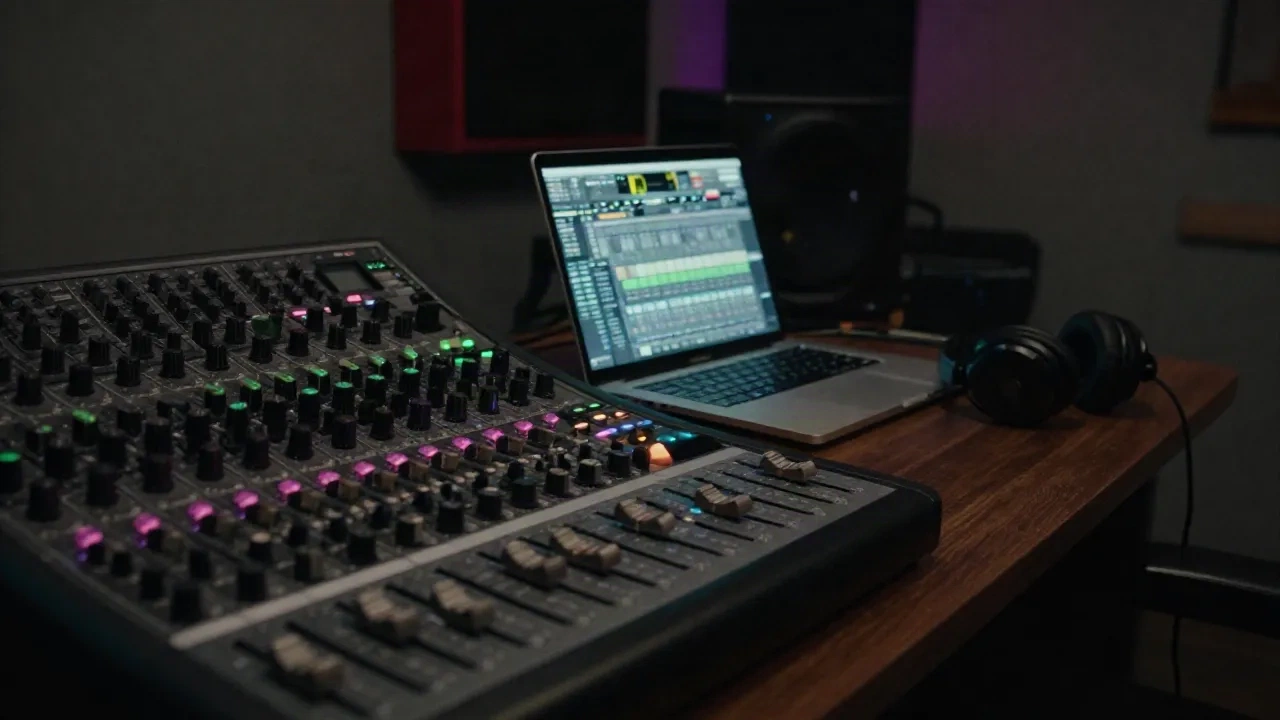
The difference between mixing and mastering comes down to scope. Mixing balances the individual tracks inside one song: kick, bass, vocal, pads. Mastering treats the finished stereo file as one object and prepares it for release: tonal balance, loudness, consistency across a set of tracks. Mix first, master second. Skip the order and you polish problems instead of fixing them.
What does mixing actually do?
Mixing is where the song gets built from its parts. You have 16, 40, or 90 tracks. They all fight for the same frequency space, and your job is to decide who wins.
The core moves are boring and powerful. Gain staging, so nothing clips on the way in. Level balance. EQ to carve space: high-pass the pads at 120 Hz so the kick owns the low end. Compression to control dynamics. Panning. Reverb and delay to build depth. Sidechain the bass to the kick and suddenly the track breathes.
Everything happens per track or per bus. You can solo the hi-hat and fix it. That is the defining trait of a mix: you still have access to the parts.
What does mastering do that a mix can't?
Mastering works on one stereo file. No stems, no solo buttons. You cannot turn the snare down without turning down everything else that lives in the same frequencies.
That limit is the point. A mastering pass looks at the whole picture:
Broad tonal balance: is the track dull or harsh against a reference?
Gentle bus compression to glue the mix
Stereo width checks, including a mono fold-down
Limiting to hit a target loudness without distortion
Metadata, sequencing, and fades for an EP or album
Mastering also makes tracks agree with each other. If your EP has a quiet ambient opener and a 140 BPM peak-time weapon, the master sets the relationship so listeners don't ride the volume knob.
Mixing vs mastering, side by side:
Input: mixing takes a multitrack session of 16 to 90+ tracks. Mastering takes one stereo file.
Goal: mixing builds balance and depth inside one song. Mastering adds polish, consistency, and release formatting.
Tools: mixing uses EQ, compression, reverb, and automation per track. Mastering uses linear-phase EQ, bus compression, a limiter, and meters.
What it fixes: mixing fixes clashing instruments and buried vocals. Mastering fixes overall tonal tilt, loudness, and album flow.
What it can't fix: mixing can't fix a bad recording. Mastering can't fix a bad mix.
Short version: a mix makes every part sound right. A master makes the whole thing sound right everywhere.
One more distinction people miss: stem mastering. Instead of one stereo file, you hand over 4 to 8 grouped stems (drums, bass, synths, vocals). The engineer gets a little control over balance without touching the full session. It sits in the gray zone between the two jobs, and it is the right call when the mix is 95% there but the bass bus needs 1 dB.
Why the order is not negotiable
Mastering a bad mix is like putting a limiter on a problem. The limiter makes the problem louder.
Say your kick and bass mask each other around 60 Hz. In the mix, you fix that with EQ or sidechain. After the bounce, the best you can do is notch a broad region of the stereo file, which dents the kick and the bass at the same time. You lose either way.
The practical rule: leave 3 to 6 dB of headroom on your mix bounce, peaking around -6 dBFS, and do not slap a limiter on the master bus "just to hear it loud." Hand the mastering stage a clean file with dynamics intact. Here is what that sounds like at 140 BPM: a limiter on the mix bus eats the punch of every kick before mastering even starts.
Your room matters more than your plugins here. If your monitors lie about the low end, you will mix bass that vanishes on a phone speaker and master a track that booms in a club. Pick one reference track in your genre, load it into your session, and match its loudness before you compare. Switch between it and your mix every few minutes. Your ears adapt fast, and the reference resets them.
Check on three systems at minimum: studio monitors or good headphones, a cheap pair of earbuds, and a mono speaker. If the kick disappears in mono, you have a phase problem, and that is a mixing fix, not a mastering one. If the whole track feels 2 dB louder than the reference at the same fader position, that one is a mastering problem.
Where do loudness targets fit in?
Loudness is a mastering decision, not a mixing one. And it matters more for streaming than most producers admit.
Spotify normalizes playback to around -14 LUFS integrated. Louder tracks get turned down, so crushing your master to -8 LUFS buys you distortion, not volume. The platform's own loudness normalization guidance recommends -14 dB integrated LUFS with true peak below -1 dB for the cleanest result on lossy formats. YouTube and Tidal sit near the same level. Apple Music targets roughly -16 LUFS.
A master that holds at -14 LUFS with a true peak of -1 dBTP is clean for stream and for every DSP. If you play club-only, go louder. Just know it will get turned down online.
Can AI tools do the mixing and mastering for you?
Partly. And the split follows the same line as the craft.
AI mastering is the mature part. One stereo file in, a loudness-matched, EQ-corrected file out, in about a minute. That is a narrow, well-defined job, and the tools handle it fine for demos, DJ edits, and stream rips. Skip it if your mix has real problems: automated chains don't know your kick is masking your bass, and they will make it louder anyway.
AI mixing is harder. Auto-mixers can set rough levels and suggest EQ cuts, but they guess at intent. A vocal that should sit back as an effect gets pushed forward as a lead. Use them to get a starting balance, then take over.
Generated music adds a twist. Tracks from AI generators arrive already shaped, often with heavy compression and limited headroom. You can still mix them by splitting stems and rebalancing, and you can still master the result for stream. Two cases where it works, one where it disappoints: stems that separate cleanly, loop-based techno where balance is the problem, and full vocal songs where the separation smears.
Tools worth testing for the source material:
None of these replace a mix. They give you raw material. What you do after the bounce still decides whether the track holds up on a club system.
Should you hire someone, or do it yourself?
Mix it yourself if the sound is part of your identity. Techno producers, ambient artists, and streamers who build their own sets generally should. You learn faster, and nobody else knows what the track is supposed to feel like.
Master it yourself when the stakes are low: a SoundCloud upload, a stream playlist, a free release. Use your ears, a reference track at the same loudness, and a meter. Check the master in mono, on headphones, and on whatever bad speaker you have lying around.
Pay a mastering engineer when it is a release you care about. Fresh ears in a treated room catch what you have stopped hearing after 200 playbacks. Same rule for mixing: if the low end keeps collapsing and you can't find why, a second pair of ears is cheaper than another month of guessing.
A simple workflow for your next track
Most mistakes come from blurring the two stages. Producers reach for the master bus limiter at hour one, chase loudness while still balancing drums, then wonder why the final file sounds flat. Others try to fix a muddy mix with a mastering EQ boost at 3 kHz and end up with a harsh, thin track that is still muddy.
Here is the order that works, from first fader to upload:
Mix with headroom. Peak around -6 dBFS, no limiter on the master bus.
Bounce a 24-bit WAV at your session sample rate.
Take a break. A day if you can, an hour if you can't.
Master: corrective EQ, light bus compression, limiter to -14 LUFS for streaming, ceiling -1 dBTP.
Compare against a reference track at matched loudness.
Check in mono and on a second playback system.
Export the delivery formats: WAV for distribution, plus a loudness-checked MP3 for preview.
The real test: can you play it live? Play the master through your stream chain or club rig. If it distorts there, go back a step.
What we'd actually tell a first-timer
Spend 90% of your effort on the mix. A great mix with a basic master beats a mediocre mix with a premium master every time.
Learn three meters first: peak, LUFS, and a mono button. They tell you more than any plugin. Then learn to say which stage a problem belongs to. Instrument fights instrument? That is the mix. Whole track too bright or too quiet? That is the master.
If you stream techno, mix tight, master for -14 LUFS, and move on to the next track. Perfection is a trap. Shipping teaches you more.