Summary
Looking for an AI stem separator? This free picker asks for the stems you need, where you work, your budget, and whether you play live. It returns a ranked shortlist of three tools with the reasons: Demucs, Ultimate Vocal Remover, LALAL.AI, Moises, DJ software stems and more. No signup, no upload, runs in your browser.
Pick the right AI stem separator in 30 seconds
Five inputs: stems, location, budget, live or not, command line or not. You get a ranked shortlist of AI stem separators, with the reason for each pick.
How the picker scores each tool
Hard constraints first
Stem count and location cost or earn the most points. A tool that tops out at 4 stems loses 40 points when you ask for 6. A tool that lives in the browser loses 25 when you want it inside your DAW.
Budget and live use
Free-only rewards open source tools and free tiers. The live box is the heaviest filter: only DJ software splits a deck in real time. Every other tool renders a file first, so it loses 50 points.
Friction as a tiebreaker
If you tick off the command line, Demucs and Spleeter take a 15 point hit, since both need a terminal. Ties keep a fixed order, so the same inputs always return the same shortlist.
Offline split or live split: pick one before you pick a tool
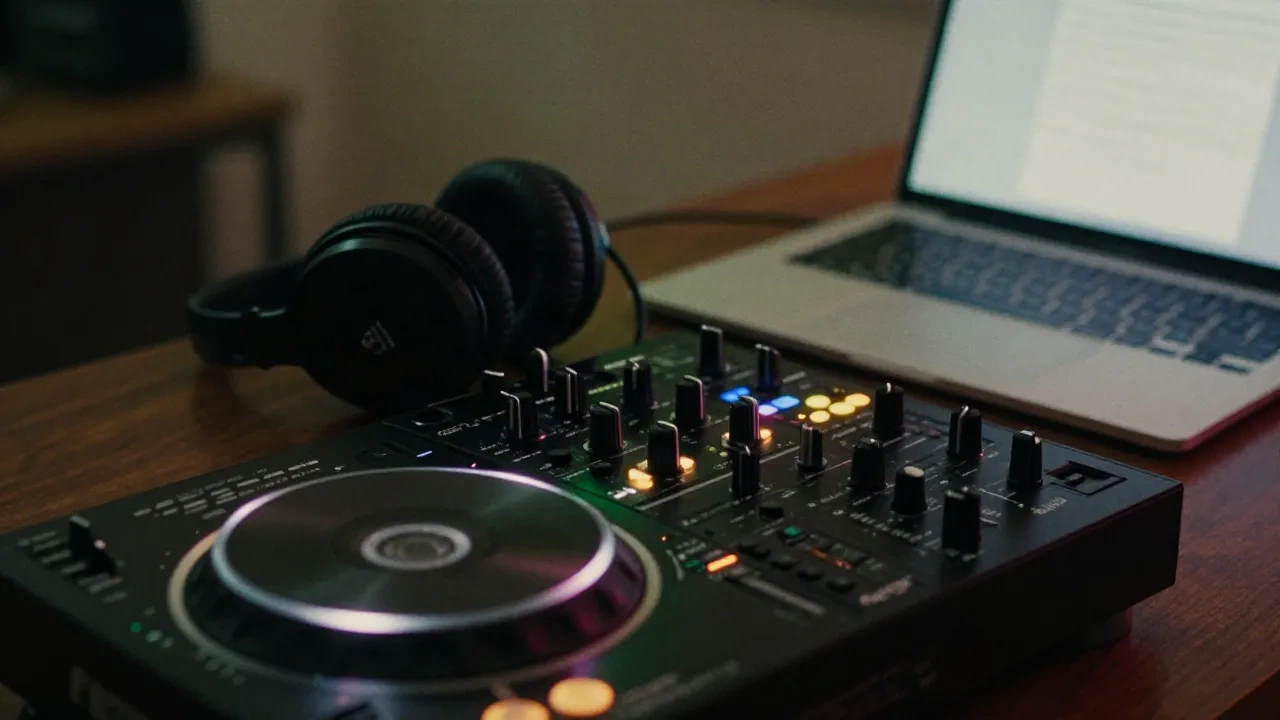
Most AI stem separators work on a finished file. You upload a track, wait, and download stems. That is fine for remixes, practice tracks and sample digging. It is useless mid-set. If you play live, the split has to happen in the deck, before the gig, or inside DJ software that does it on the fly. The picker treats that as the first fork, because it decides everything after.
- Remix and sampling: offline tools, any of them
- Set prep: render stems the night before, load them as tracks
- Live: DJ software with built-in stems
- Stream: separation does not clear copyright on the source
After the shortlist: a clean first split
-
1
Start from the best source you have
Use a WAV or a lossless file, not a streaming rip. Separation models amplify what is already in the file. Compression artifacts come out as smeared hats and watery vocals.
-
2
Split one track, listen to the stems alone
Solo each stem with your headphones on. Check the vocal for hi-hat bleed, the bass for kick bleed, the drums for reverb tail chopped short. Judge on your genre, not on the demo clip.
-
3
Test it in the context you play in
Drop the stems into your DAW or your deck, mute the vocal, and run it at your tempo. The real test: does it still sound right when you play it live, with the rest of the mix back in?
Questions about AI stem separators
Is this AI stem separator picker free?
Does this tool split my audio files?
Where does the tool data come from?
What is the best free AI stem separator?
Can I separate stems live on stream or in a DJ set?
Does separating stems make a track DMCA-safe on Twitch or Kick?
How many stems do I really need?
Why is the command line penalty only a nudge?
Want music that never needs a stem split?
Synth.stream generates electronic music live, stays DMCA-safe by construction, and never loops. Pick a vibe, hit play.