Summary
This AI audio restoration checker asks three questions, your noise type, your source quality, and how severe the damage is, then returns a realistic recovery score plus the exact processing chain, de-hum, de-click, spectral denoise, de-reverb, to run in your own DAW or restoration plugin. It runs entirely in your browser, nothing uploads, and it will not pretend heavy background chatter is as fixable as a 50Hz hum. Use it before you open iZotope RX, Adobe Podcast, or your DAW's stock tools, so you know what to expect.
Check What AI Audio Restoration Can Actually Fix
Tell the checker what is wrong with your file, where it came from, and how bad it is. Get a realistic AI audio restoration score and the exact processing chain to run, before you touch a single plugin.
How the AI audio restoration score is built
Tell it what's wrong
Pick the noise type, where the file came from, and how severe it is. Three inputs, no file upload, nothing leaves your browser.
Get a realistic ceiling
The score reflects what denoise, de-hum, de-click, and de-reverb algorithms can actually recover for that noise type, not a marketing number. Background chatter scores low on purpose: overlapping voices are still the hardest problem in audio restoration.
Walk away with a chain
The result names the processing steps to run in your own DAW or restoration tool, iZotope RX, Adobe Podcast, or your DAW's stock plugins, plus a one-line caveat for your use case: stream VOD, podcast master, or sample chop. No sign-up, no upload, and no promise that a browser tool can process real audio for you.
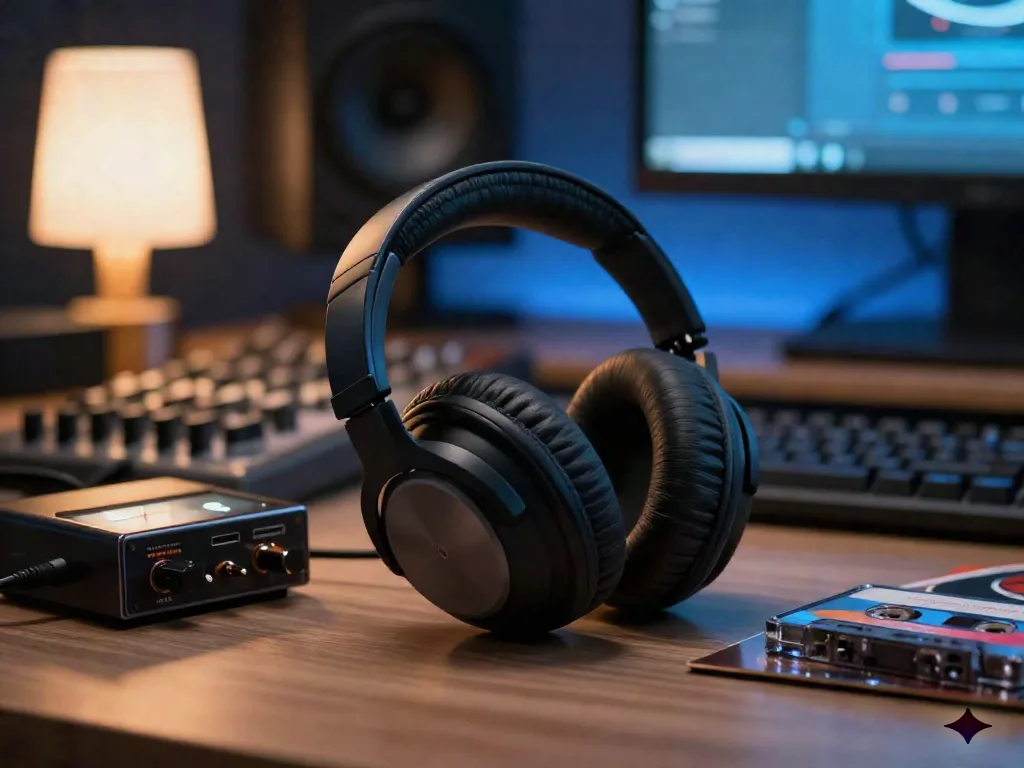
Headphones on before you commit to a chain
Run the checker first, then confirm the recommendation by ear on real headphones. A 92 recovery score on paper still needs a listen: hum and hiss removal is close to automatic, but de-reverb and de-clip passes can leave audible artifacts that only your ears will catch. Switch between the treated and untreated section on loop, at a low volume first, then at the level your listeners will actually use, before you commit to the final export.
Common questions about AI audio restoration
Does this tool actually clean my audio file?
Where do the recovery scores come from?
Why does background chatter always score low?
Is this free?
Does this replace iZotope RX or similar restoration software?
My file has more than one problem, hum and clipping for example. What do I do?
I stream on Twitch. Does this help with DMCA?
What counts as a realistic score versus an unrealistic one?
Need clean audio without a restoration pass?
Synth.stream generates infinite electronic music live. It is royalty-free and DMCA-safe by construction, so there is no bad recording to restore in the first place.