The AI Jingle Generator Brief
An AI jingle generator gives you a 5 second audio logo in minutes. What matters is the license, the loudness and whether it survives your stream mix.
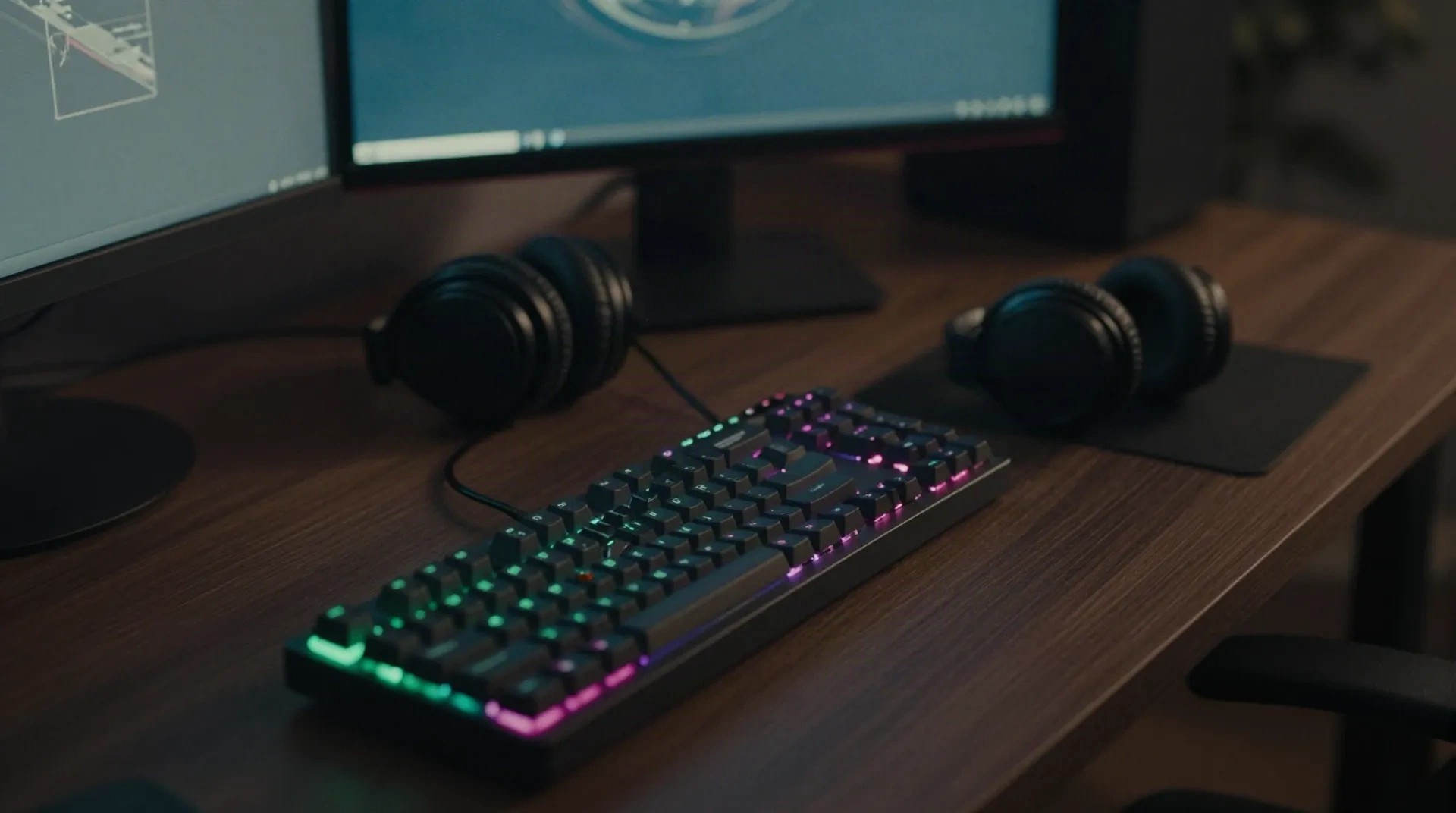
What a good jingle tool must get right
Skip the demo reel. These are the parts that break on a live channel.
Length control
You want 3 to 10 seconds, on demand. A tool that only returns 30 second songs wastes your time and forces you to cut.
Clear licensing
Check broadcast and commercial terms in writing. A jingle you cannot clear is a muted VOD waiting to happen.
Tempo and key input
Lock the BPM and key to your scene music. A jingle that clashes with the track under it sounds like a mistake.
Loud enough, not clipped
Output near -14 LUFS drops straight into the mix. Anything hotter needs a limiter before it touches OBS.
Clean export
WAV or high-bitrate MP3 at 44.1 or 48 kHz. No resampling surprises, no weird tail noise.
Fast re-rolls
You will audition ten takes to keep one. Generation that takes minutes per try kills the workflow.
From prompt to OBS in four moves
Whatever the tool calls it, the pipeline is the same.
-
1
Write a tight brief
Genre, BPM, mood, one or two instruments, and a length. 'Dark techno sting, 128 BPM, 4 seconds, kick and a short acid stab' beats 'cool intro'.
-
2
Generate several takes
Run at least six to ten. The first result is rarely the best. Keep the ones that land the hit in the first second.
-
3
Trim and master
Cut the tail, fade the last 100 ms, and normalise toward -14 LUFS. Check it next to your voice and your music, not alone.
-
4
Load it and trigger it
Drop the file into OBS as a media source, or map it to a pad or a hotkey. It plays on cue, it does not generate live.
Built for the scene change, not the album
Streamers reach for an AI jingle generator because they need branded audio fast, and a composer is not in the budget. Small studios use the same tools to prototype an audio logo before paying for the final. The common thread is speed on short assets, not long-form music. If you stream techno or ambient, you can match the key of your sets and keep the hit tight.
- Starting soon, be right back and ending sting for your overlay scenes
- Alert sounds for follows and raids that match your channel's sound
- A 3 second audio logo for the start of every YouTube upload
- A quick draft to hand a human composer as a reference
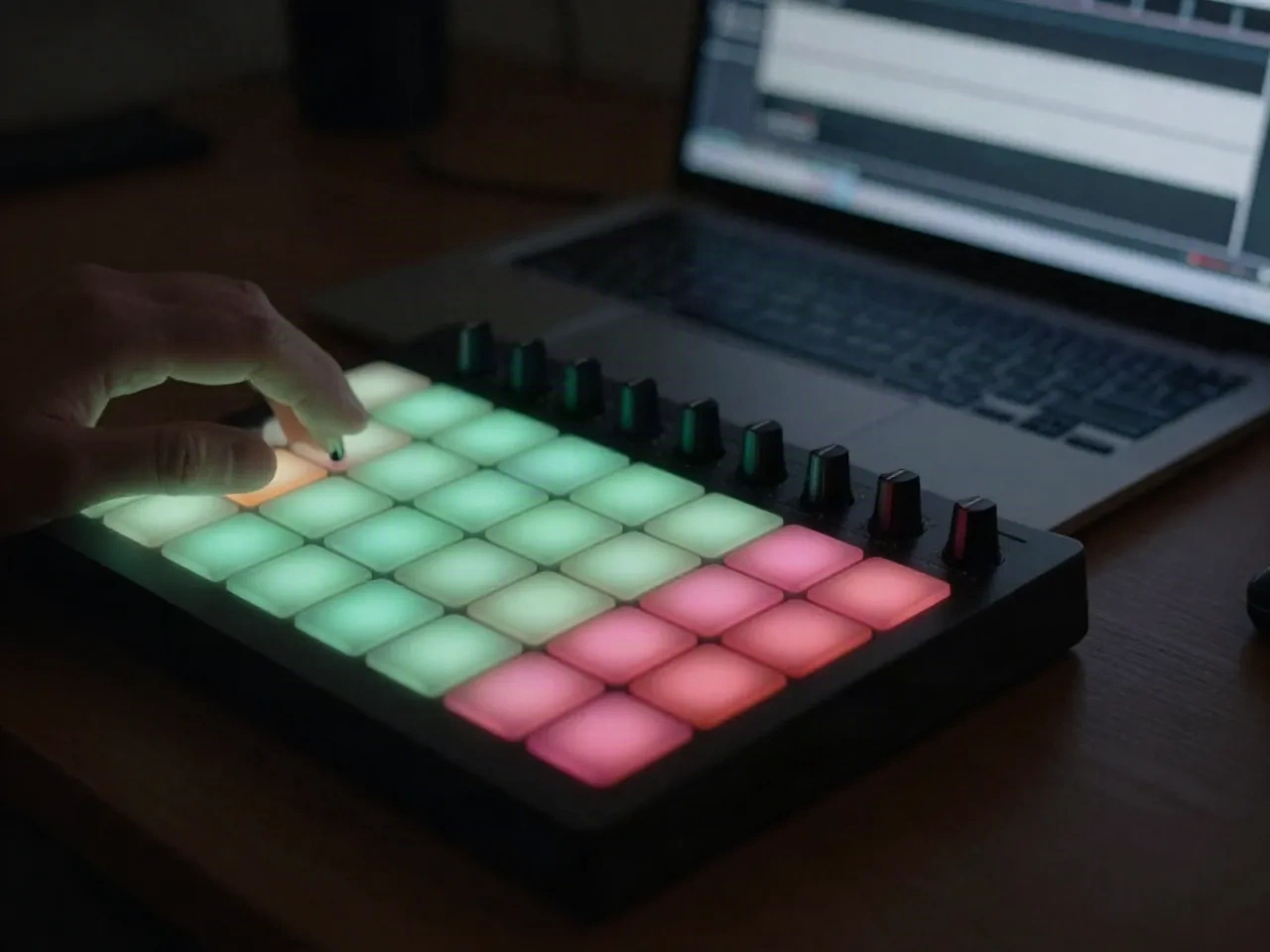
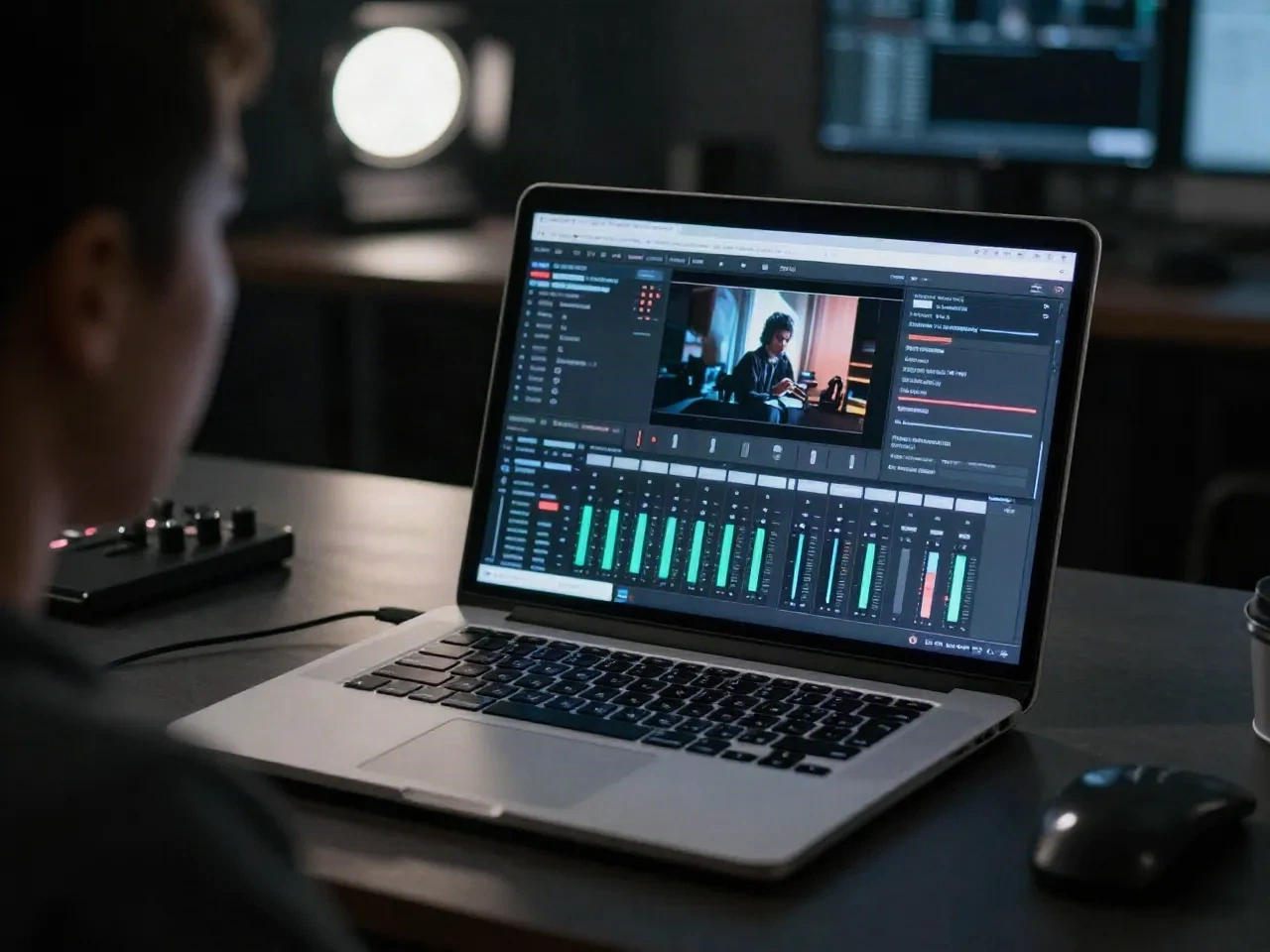
Test it in your real stream mix
A jingle that sounds great in headphones solo can disappear under your voice or smash your meter on a raid alert. Load the file into your scene, speak over it, and watch the levels. If it peaks above your music bed, pull the gain down or add a limiter. Keep the original export untouched, and save a mastered copy for the stream.
- Speak over the jingle and check intelligibility
- Watch peaks against your music bed and alerts
- Trigger it twice in a row to catch retrigger clicks
- Keep the licence text next to the file
Prompt, loop kit or human composer: pick the right route
'AI jingle generator' covers different jobs. Match the tool to the asset.
| Criteria | AI text-to-audio generator | Loop and sample kit | Hired composer |
|---|---|---|---|
| Speed to first take | Seconds to minutes | Minutes of browsing | Days |
| Fits a 3 to 10 second asset | Depends on length control | Yes, you cut it yourself | Yes, to spec |
| Uniqueness | Medium, many people prompt alike | Low, shared libraries | High |
| Licensing to check | Output terms for broadcast and commercial use | Pack licence terms | Written contract |
| Best for | Fast branded stings and drafts | Quick, safe placeholders | Final brand identity |
Common questions about AI jingle generators
What is an AI jingle generator?
Can I use an AI jingle on Twitch or Kick without a DMCA claim?
How long should a stream jingle be?
Do I need to know music theory to use one?
Will the jingle work live, or is it pre-rendered?
What loudness should I master a jingle to?
Which file format should I export?
Can I get a custom jingle from my own voice or sound?
See which jingle workflow held up live
We test audio tools on real sets, not in a browser tab. Read what held up and what got muted.