The AI Agent Builder For Streamers
Skywork gives you seven specialized AI agents for images, slides, docs, and video, so your channel brand builds itself.
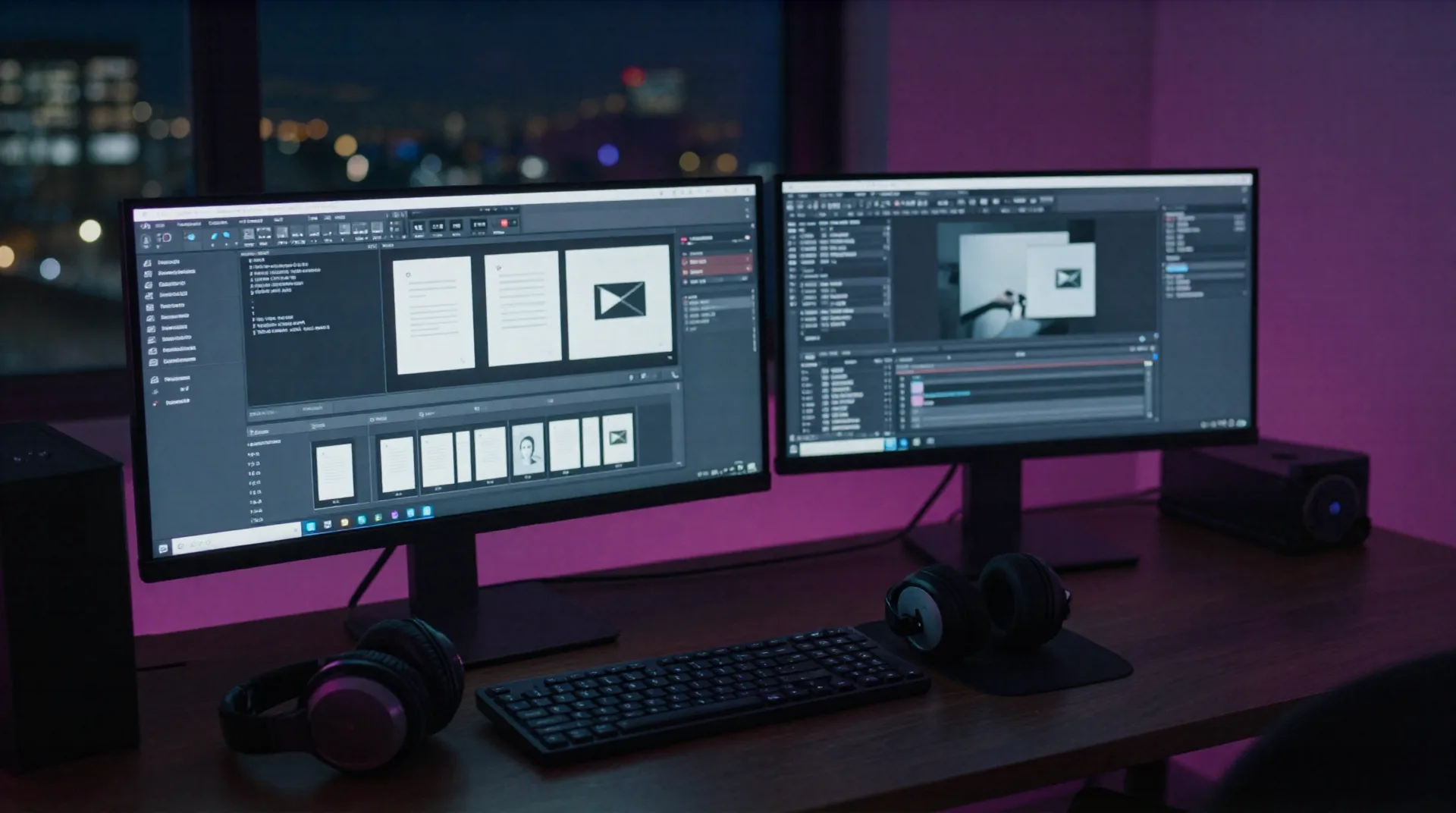
Seven agents. One AI agent builder.
Each agent handles one job, so you stop bouncing between five tabs before a stream.
Images agent
Runs on Nano Banana Pro, Google's flagship image model. Generates thumbnails, overlays, and panels that don't look like obvious AI output.
Slides agent
Two modes: Creative for a pitch deck, Deep Research for slides that cite real sources from Google Scholar and Wikipedia when a sponsor asks for data.
Documents agent
Sponsor one-pagers, rundown scripts, and show notes drafted from a brief instead of a blank page.
Websites agent
Spins up a landing page for your channel or a merch drop. MVP-quality, fine for a launch, not a Webflow replacement.
Videos agent
Turns a script or a set of clips into a rough cut you finish in your own editor.
Podcasts agent
Drafts an episode structure and cover art for your after-stream recap or Discord AMA.
Build your agent team in three steps
-
1
Pick the agent
Open Skywork and choose the agent for the job: thumbnail, sponsor deck, overlay pack, recap video.
-
2
Feed it a brief
Drop your channel colors, a reference image, or a Discord screenshot. Inspiration Capture reads it and matches your look.
-
3
Ship or split it
Export the finished asset, or use Layer Splitting to pull it apart and finish it yourself in your own tools.
One agent per problem, not one tool for everything
Most streamers juggle Canva for thumbnails, a slides app for sponsor decks, and a doc for show notes. Skywork's agents replace that stack with one login. Save a color palette once, and every agent after that pulls from it, so your panels, decks, and recap videos actually look like the same channel. It won't touch your DAW or your live mix, that's still on you, but the branding around the stream stops being three separate logins.
- Nano Banana Pro image quality beats most standalone image generators
- Deep Research slides cite Google Scholar and Wikipedia sources
- Layer Splitting keeps every design element editable after generation
- Inspiration Capture auto-builds your style library from Discord or WhatsApp screenshots
Common questions
Is Skywork actually an AI agent builder, or just an image generator?
What does the free plan actually include?
How much does Pro cost?
Does it plug into OBS?
Can I edit what an agent generates?
What is Inspiration Capture?
Is there a learning curve?
Will the websites agent replace Framer or Webflow for my channel site?
Who is Skywork actually built for?
Two tiers, no surprise upsells
Every agent is available on both plans. Pro raises the generation limits and unlocks Deep Research and priority queueing.
Free
for testing the agents on a real brief
- All 7 agents unlocked
- Limited monthly generations
- Nano Banana Pro image quality
- Community support
Pro
billed annually (about $16/mo month-to-month)
- Higher generation limits
- Deep Research slides mode
- Layer Splitting on every image
- Inspiration Capture bot
- Priority generation queue
- Code BEYROUTI = 20% off
Build your first agent today
Free plan, no card required. Upgrade only once the agents are actually saving you time before a stream.