Royalty Free Music for Twitch: What Actually Works in 2026
Summary
Seven royalty-free music sources for Twitch tested under real broadcast conditions. Mubert handles long ambient sets without manual queue management. Suno and Udio generate genre-specific tracks fast, with different license terms to check. Soundraw offers clean instrumental output with straightforward licensing. StreamBeats is the best free option, registered directly with Audible Magic. Setting up a separate OBS audio track before anything else is the most practical move a streamer can make.
Royalty free music for Twitch is not optional anymore. It is the line between a clean VOD archive and a channel that gets muted, flagged, or worse, handed a strike. I run three live sets per week on Twitch, techno and ambient, and in 2026 the detection systems are operating faster and with more precision than anything streamers faced in the 2020 DMCA wave. This covers seven options I have tested live, not in a browser tab: what the license actually covers, how each tool performs when you are live and something needs to change in thirty seconds, and where each one breaks under real broadcast conditions. No marketing copy here, just what happened on stream.
Why DMCA Hits Harder Now Than It Did in 2020
Twitch's detection is no longer a VOD-only post-processing scan. Since 2025, the platform runs near-real-time audio fingerprinting against label databases during live broadcasts. A detection mid-stream means your VOD gets flagged automatically when the archive processes. You may not even know it happened until a viewer tells you the replay is silent.
The mechanism works like this: Audible Magic, the fingerprinting system Twitch uses, compares your audio against a database that grows as labels submit new registrations. The catalog is not static. Tracks that were fine six months ago can be flagged today if a label submitted a new registration. Playing it by ear is not a strategy.
The other change is strikes. Twitch introduced a three-strike policy with channel termination as the endpoint. A muted VOD is frustrating. A strike is a different level of problem. If you are streaming music of any kind, your exposure to the three-strike system is real.
Configure Your OBS Audio Track Before Anything Else
Before choosing a music source, set up OBS to separate your music onto a dedicated recording track. This is the one practical move that protects your VOD catalog regardless of what tool you use.
Go to Settings > Output > Recording. Under Audio Track, enable Track 1 and Track 2. Route your primary stream audio (voice, game, alerts) to Track 1. Route your music source to Track 2 only. When you download and edit VODs, mute Track 2 for the archived version.
This does not stop live muting if detection fires during a broadcast. Nothing does, short of using legitimately licensed audio. But it means your VOD archive stays clean even if your live stream audio triggers something. Streamers who do not do this lose their entire VOD history when a mass-claim wave hits.
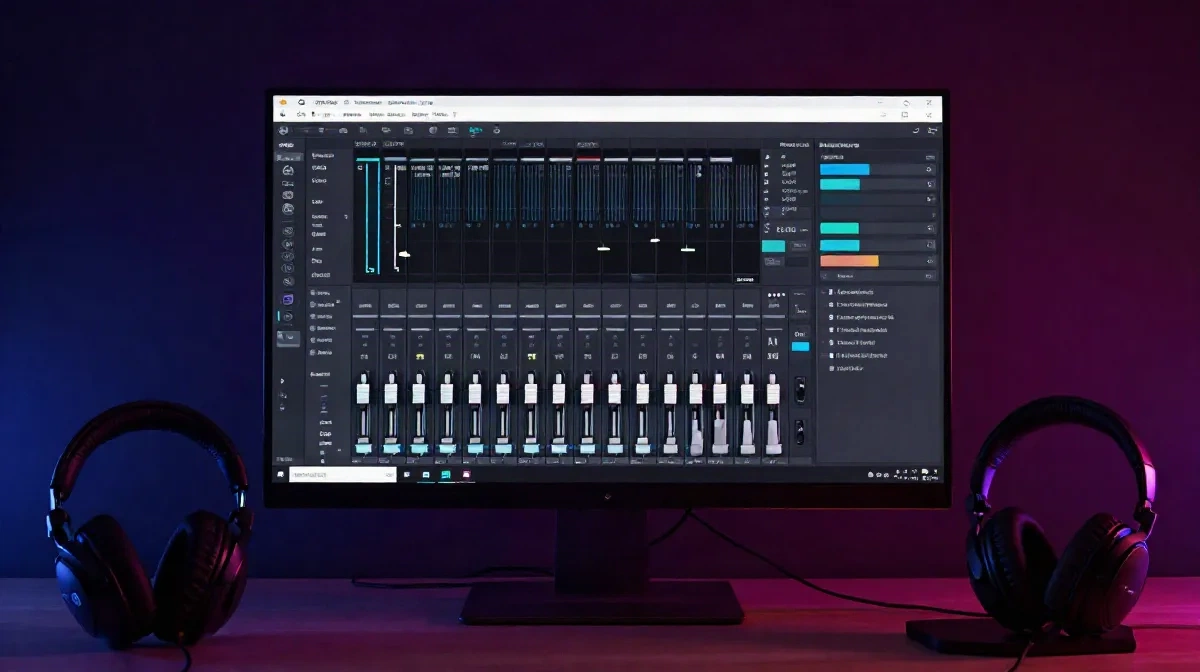
Mubert Runs Four Hours Without Touching It
For continuous live stream background music, Mubert operates in a different category than every other tool on this list. It does not generate a track and hand it to you. It streams an endless adaptive mix based on a genre and mood setting you dial in at the start, and it keeps going without loops you can hear or transitions that jolt the viewer.
I run it on Sunday ambient sets: melancholic, downtempo, 78 BPM. It handles the full four hours. No gaps, no jarring cuts, no moment where I have to look away from the mix to queue something new.
The license is clean on Creator and Pro plans, royalty-free for streaming on Twitch, YouTube, and similar platforms. The free tier does not cover commercial use. If your channel is monetized, that matters.
The trade-off is control. You pick a vibe, not a track. If you need specific energy for a specific moment, you cannot cue to a chorus. For background texture during a gaming stream or a chill ambient set, that is a non-issue. For anything where the music is the main event, Mubert is a background tool, not a frontline one.
Suno Gives You a Track in Under Sixty Seconds
Mubert gives you texture. Suno gives you an actual track: structure, arc, a recognizable drop if that is what your genre does.
The workflow is fast. Type a prompt: 136 BPM techno, no vocals, Detroit acid influence, minimal. Thirty to sixty seconds later you have something with arrangement, energy, and drive that can carry three to four minutes of a set.
The license works like this: you need a paid Pro subscription at $10 per month for commercial use. Free tier outputs are not cleared for monetized streams. This is not a gray area. If your channel runs ads or you are in any partner or affiliate program, generate only while a Pro subscription is active.
What Suno does not do reliably: instrumental output on the first try. Even with "no vocals, instrumental only" in the prompt, you get vocals roughly a third of the time. The fix is to write it explicitly and densely: "instrumental, no singing, no lyrics, no voice, no words." That gets you clean instrumental most of the time. Not always.
Two situations where Suno earns its $10 per month: warming a stream with genre-specific energy before the main set starts, and filling an unexpected gap when a track ran short or a transition went wrong. One situation where it disappoints: replacing a full live set. You are managing four-minute tracks manually. That is a different job.
Udio Has Better Output but More Complex Terms
Udio produces better-sounding tracks than Suno for anything melodic or vocal-forward. The harmonic coherence is stronger. If the style you are generating has a hook, Udio lands it more consistently.
The license situation changed in 2025 after Udio settled with Universal Music Group and Warner. Downloads now require a Pro plan at $30 per month. The Standard plan at $10 per month does not include commercial use rights. For Twitch specifically, you can route audio through a virtual audio cable from the Udio browser interface into OBS, but that adds a breakpoint to your stream setup. If your browser crashes mid-stream, your music cuts.
The practical ceiling: Udio at Pro is a strong option if you have a specific use case that requires vocals or melodic structure, and you have built a setup that handles browser audio routing without issues. For straightforward ambient or background stream music, it is more expensive and more complicated than Mubert for the same result.
Soundraw Is the Cleanest License for Instrumental Background
Soundraw generates instrumentals only. No accidental vocal samples. No hook that resembles an existing song. For stream background music, that constraint is actually an advantage.
The license is royalty-free across all plans. Everything you generate is cleared for commercial use without needing to check which subscription tier covers what. That clarity is worth something when you are managing a channel with three streams per week.
The output sits somewhere between lo-fi and light electronic. It is more structured than Mubert but less dynamic than a full AI-generated track from Suno. For a gaming stream, a coding stream, or anything where you want music that supports without dominating, Soundraw fits. I use it as my second source after Mubert when I want something with a bit more movement in the arrangement.
Free Options That Are Actually Registered as Safe
StreamBeats from Harris Heller is worth knowing. Over 1,500 tracks across 15 genres, every one registered with Twitch's Audible Magic system. The registration matters: Audible Magic knows these tracks belong to StreamBeats, not a label. Detection fires and recognizes it as safe rather than flagged. Free, no subscription required.
The limit: it is a curated catalog, not generative. If you stream daily, you start recognizing the same tracks within a few months. For niche genres, the selection thins out quickly. Acid techno is not there. Hardcore is not there. Lo-fi and chill-hop are well covered.
The YouTube Audio Library has explicit Twitch VOD clearance on many tracks, but not all. Read the individual track license before using it live. Some are cleared for streaming. Some are cleared for video only. The interface marks them but you have to check each one. Do not assume a track labeled "free" on YouTube Audio Library is automatically safe for Twitch VODs. They are different platforms with different licensing arrangements.
Twitch's official music guidelines updated in 2025. The document is short. Read it before you commit to any source, including the ones in this list. Twitch's own help center covers what constitutes a DMCA violation and how the three-strike system works.
What Actually Goes on Stream Right Now
Mubert handles every ambient or downtempo session where the music is texture and I need four hours without managing a queue. It is the default.
Suno fills specific genre energy before a set starts or patches a gap. One prompt, done in a minute.
Soundraw covers gaming streams and anything where I want structured instrumental that is not ambient. The license is clean, the setup is simple.
StreamBeats runs when I want something completely free and certified safe with zero complexity.
The real test I apply to any new source: run it through a full stream including the VOD processing window. If the archive comes back clean, it passes. If any segment gets muted, nothing else about the tool matters.
Propre pour stream. That is the only standard that counts.