How to Fix Muffled Audio in Your Studio or Live Set
Summary
Muffled audio comes from four places: capsule blockage, absorptive room surfaces, low-mid frequency buildup between 200-400Hz, or a broken signal chain. Fix it by checking hardware first, then running a high-pass filter at 80-100Hz and a narrow cut at 300Hz. OBS-specific issues include wrong sample rate and over-aggressive noise suppression. For already-recorded audio, AI tools like Adobe Podcast Enhance and iZotope RX can recover moderate muffle. If the source is fundamentally broken, replace it with clean AI-generated audio.
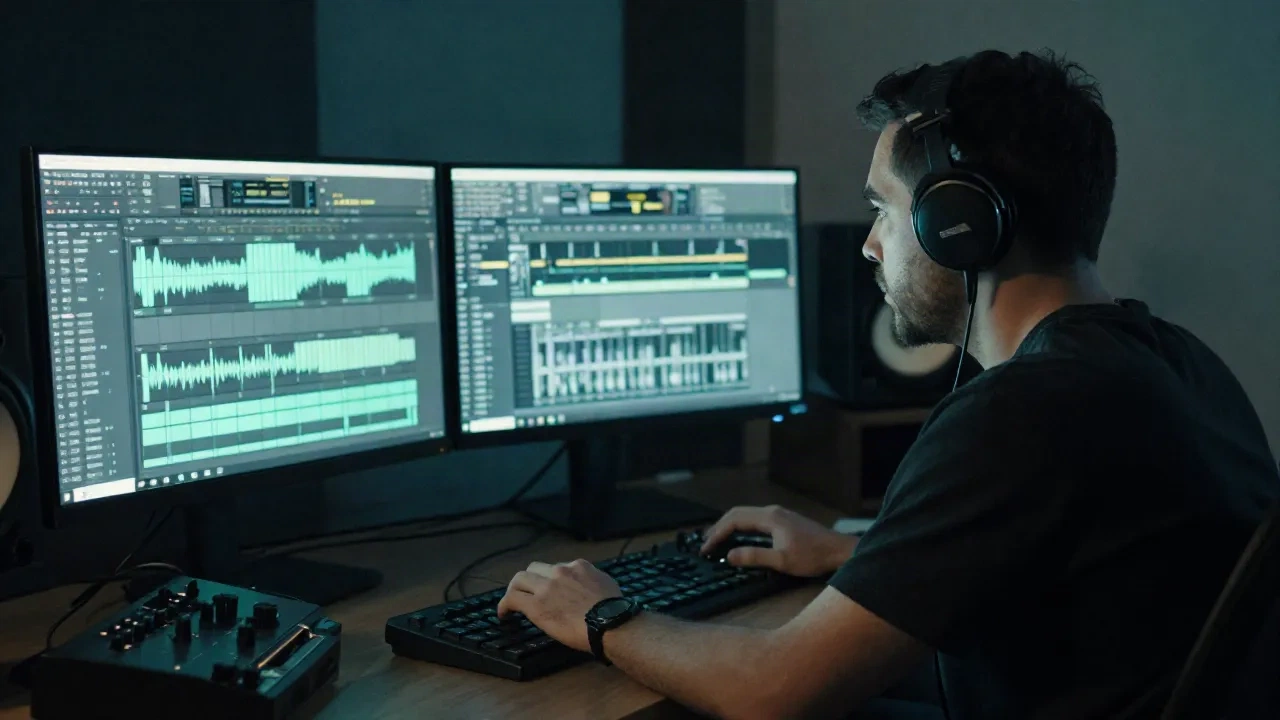
Here is how to fix muffled audio: start at the hardware, not the EQ. Your mix is peaking at -6dBFS and still sounds like someone recorded inside a sock. Muffled audio has specific causes and most of them take under ten minutes to fix once you know where to look.
This is the checklist. Hardware first, EQ second, AI rescue third.
What Actually Causes Muffled Audio
Muffled recordings come from four places: physical blockage on the capsule, proximity to absorptive materials, low-frequency buildup in the 200-400Hz range, or a broken link in your signal chain.
Knowing which one you are dealing with before opening an EQ saves time. Running a parametric boost at 3kHz on a mic that has a dusty capsule will not fix the problem. It will make the muddy frequencies louder with slightly more presence on top.
The four root causes:
Dust or moisture on the mic capsule
Mic positioned too close to a wall, sofa, or foam panel that absorbs high frequencies
Low-cut filter or noise gate misconfigured in your DAW or audio interface
Overly aggressive noise reduction from software like NVIDIA RTX Voice or Krisp
Each one has a distinct fix. Start at the hardware.
Check Your Physical Chain Before You Touch an EQ
Take the mic off the stand. Look at the capsule. If you can see debris, a light blast of compressed air at 20cm distance will clear most of it. Do not use a vacuum and do not touch the diaphragm.
Check the XLR cable. A faulty cable ground causes low-frequency hum and kills high-end clarity. Swap it out before assuming the mic is broken.
Check your gain staging. If your audio interface gain is below 30%, you are running the mic too quiet and then boosting signal that is already noisy. For a large-diaphragm condenser, the sweet spot is typically 60-70% gain on the preamp with your loudest passage hitting -18 to -12dBFS.
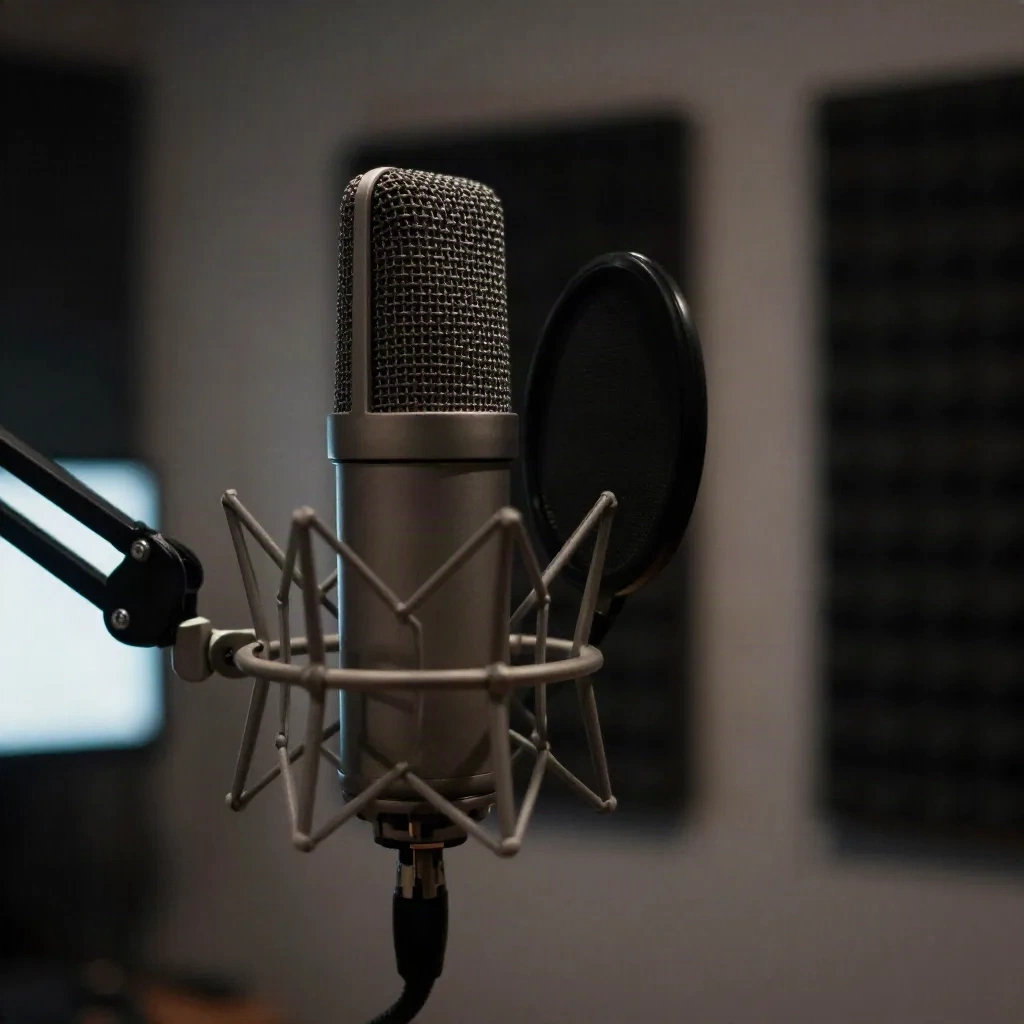
Check your room position. If the back of the mic is within 30cm of a wall or panel, you are getting early reflections that collapse your high-end. Pull the mic stand at least 60cm from any surface and point the rear null toward the loudest noise source in the room.
If nothing above is the issue, open your DAW.
The EQ Fix: Cut the Mud at 250Hz, Boost Presence at 3.5kHz
Muffled audio always has the same frequency fingerprint: too much energy between 200 and 450Hz (the cardboard box zone) and not enough between 2.5 and 5kHz (where speech and instrument presence live).
The fix in four steps:
High-pass filter at 80Hz, 12dB/octave minimum. Cuts subsonic rumble and floor vibration.
Narrow cut of -4 to -6dB centered at 300Hz, Q of 1.5-2. This is the mud node. Sweep it until the audio clears.
Broad boost of +2 to +3dB centered at 3.5kHz, Q of 0.7. Adds presence without harshness.
High-shelf boost of +1.5dB above 10kHz. Restores air.
These are starting points, not fixed values. Every mic and room sounds different. The 300Hz cut is the one that matters most. If you only do one thing, do that.
Do not use a high-shelf cut above 8kHz to tame brightness. That is what is causing the muffled sound in the first place.
High-Pass Filters: Why 80Hz Is Not Enough for Electronic Production
For vocal-only recording, 80Hz is the standard. For electronic music production, it is often too conservative.
When mixing synth bass, kicks, and vocals together, low-frequency buildup is cumulative. A high-pass at 100-120Hz on all non-bass elements keeps the sub range clear for your 808s and kick transients to punch through.
Techno kick drums with a fundamental at 60Hz read as muddy when there is competing energy from room modes in the 80-150Hz range. High-pass your room ambience at 150Hz and listen to what opens up.
In Ableton, put an EQ Eight on every vocal and every non-bass instrument. Lock the high-pass at 100Hz by default. Adjust per source. In FL Studio, Parametric EQ 2 is clean enough for basic surgical cuts.

For more precise Q values, Fabfilter Pro-Q 3 at $179 gives you dynamic EQ capability. Useful when the muffled zone only appears on louder passages.
AI Tools That Rescue Already-Recorded Muffled Audio
Sometimes the recording is done and you cannot re-do it. A field recording from a gig, a vocal take from a session already paid for, a phone voice memo from a client.
Three tools that work on muffled source audio:
Adobe Podcast Enhance Speech (free, browser-based) runs a model trained on speech. Upload an MP3 or WAV, get back a processed version in under a minute. It handles moderate muffle well. It will not fix audio that is clipped or has fundamental phase issues. Good for voice recordings up to 30 minutes.
iZotope RX 11 Elements ($99) is the most reliable post-processing tool for damaged audio. The Voice De-noise module isolates vocal frequencies from room noise. The Spectral Repair module can fill in missing high-frequency content if your source has a hard roll-off above 6kHz. Takes more time than Adobe's tool but gives you more control.
Cleanvoice AI (subscription from $6/month) processes entire podcast episodes or recording sessions in batch. It removes muffled sections, filler words, and background noise simultaneously. Useful if you are processing a lot of content consistently, less useful for one-off fixes.
None of these are magic. They are signal processing. A recording that is muffled because the mic was inside a drawer is not recoverable. A recording that is muffled because the gain was slightly low and there is minor room reflection usually is.
Fixing Muffled Audio in OBS for Live Streamers
OBS adds its own layer to the muffled audio problem. Two common causes specific to OBS:
Noise suppression set too aggressively. The RNNoise filter in OBS removes background noise but at high suppression values (above 30dB), it starts eating high-frequency consonants. The result is muffled speech even with a clean mic. Set it to 20dB and no higher.
Sample rate mismatch. If your audio interface is set to 48kHz and OBS is configured at 44.1kHz (or vice versa), OBS does a software resample that degrades high-end clarity. Go to OBS Settings, then Audio, and match the sample rate to your audio interface exactly.
In OBS, add filters in this order: Noise Gate (to cut silence), Noise Suppression at 20dB maximum, Gain (if needed), then a 3-band EQ with the low-mid cut described above. Do not stack multiple compression plugins before the EQ. It makes the mud worse.
When AI-Generated Music Is Cleaner Than Your Source
If your stream background music sounds muffled because you are looping low-quality MP3s from a hard drive from 2014, the fastest fix is to replace the source entirely.
AI music generators produce audio at 44.1kHz or 48kHz by default. No encoding artifacts, no generation loss from format conversion, no copyright flags on Twitch or Kick.
Mubert generates continuous adaptive streams that route directly into OBS through a virtual audio cable. The audio quality is better than most royalty-free libraries because it is generated fresh at session start. Suno and Udio give you downloadable WAV files if you prefer pre-rendered content.
The advantage: you are not fixing muffled audio. You are replacing it with something that was never muffled.
Two Cases Where This Works, One Where It Fails
It works: you recorded vocals at home, the room has some box-frequency buildup, and the recording is otherwise usable. The EQ cut at 300Hz and a presence boost at 3.5kHz takes ten minutes in your DAW.
It works: your OBS stream sounds muffled because noise suppression was set to 35dB. Drop it to 20dB and the clarity returns without changing anything else.
It does not work: the mic capsule is saturated with moisture, or the XLR cable has internal wire damage, or the audio interface preamp is adding harmonic distortion at high gain. EQ cannot fix physical signal degradation. In those cases, the fix is hardware replacement, not post-processing.
The 300Hz cut is worth trying first on any muffled recording. It costs nothing and takes thirty seconds.
FAQ: How to Fix Muffled Audio
Why does my voice sound muffled on recordings? The most common cause is a buildup of low-mid frequencies between 200 and 400Hz, combined with insufficient high-frequency presence. This happens when a mic is positioned too close to absorptive surfaces, when gain is set too low, or when noise suppression software is running at too high a setting.
What EQ settings fix muffled audio? Start with a high-pass filter at 80-100Hz to remove low-end rumble. Then cut 4-6dB at 250-350Hz with a narrow Q (1.5-2) to reduce the mud zone. Add a gentle presence boost of 2-3dB at 3-4kHz. Test each step against the unprocessed signal before committing.
Can AI fix muffled audio automatically? Yes, tools like Adobe Podcast Enhance, iZotope RX, and Cleanvoice AI can improve moderately muffled recordings. They work best on voice recordings with minor room issues. Severely damaged or clipped audio is generally not recoverable.
How do I fix muffled audio in OBS? Match your sample rate to your audio interface (both should be 48kHz or both 44.1kHz). Set the RNNoise suppression filter to 20dB or lower. Add a 3-band EQ in the OBS filter chain and cut the 200-400Hz range by 3-4dB.
Does a windscreen cause muffled audio? A cheap foam windscreen absorbs some high-frequency content and can cause mild muffle. If you are recording indoors and do not need a pop filter for plosives, remove the foam windscreen. Use a pop filter (mesh screen) on a separate clip instead.
What causes muffled audio in a DAW mix? The most common causes: too many layers occupying the same low-mid frequency range, a bus compressor squashing transients, or missing high-pass filters on non-bass elements. Sidechain compression on reverb tails can also cause a pumping sensation that reads as muffle on playback.
Is muffled audio the same as low audio? No. Low audio means insufficient volume (gain). Muffled audio means the frequency balance is weighted toward low-mids. You can have muffled audio at high volume levels. If increasing gain does not fix clarity, the problem is frequency balance, not level.