How Does AI Noise Cancellation Work? Full Signal Chain
Summary
AI noise cancellation works by training a neural network to recognize the pattern of a human voice, then stripping out everything that does not match it, in real time, on your own machine. That is fundamentally different from hardware active noise cancellation, which cancels sound waves with an inverted signal. For streamers it means a clean mic feed without rebuilding your room. Krisp does this best right now, with limits worth knowing before you trust it live.
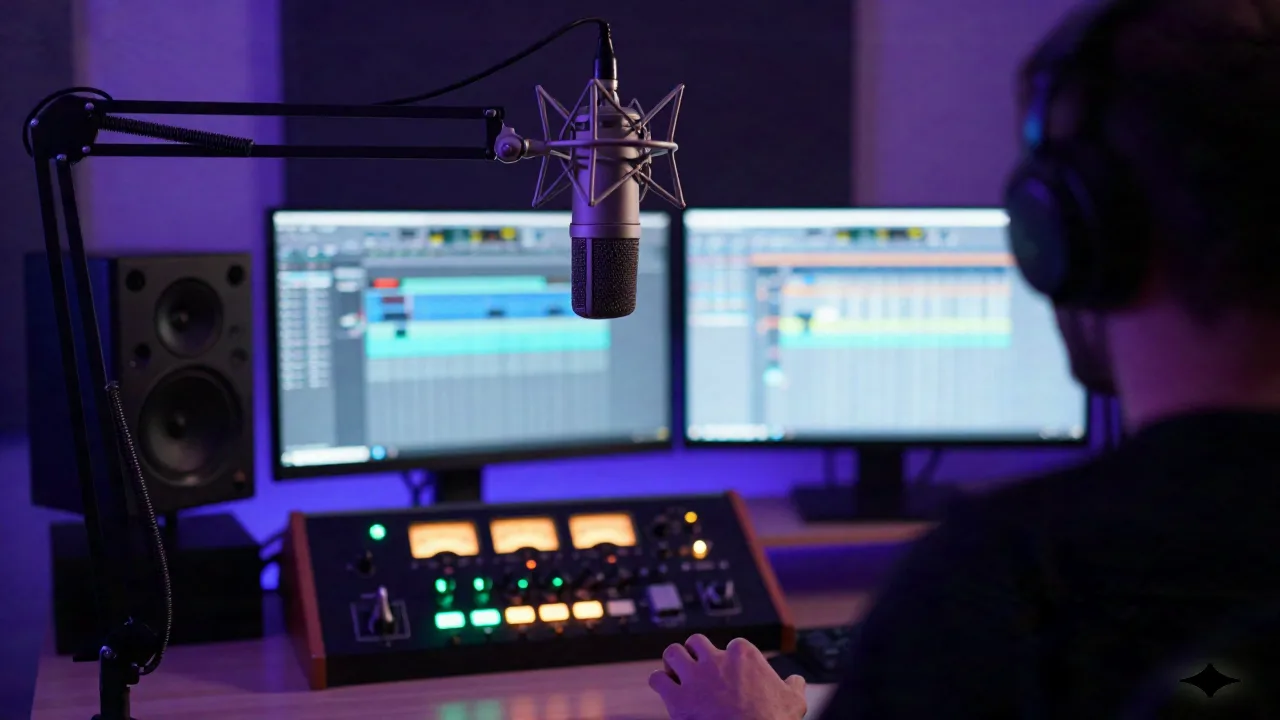
It is 2am, your stream is live, and the fridge in the next room just kicked on. So, how does AI noise cancellation work? In one line: a neural network trained on thousands of hours of clean speech learns to recognize the shape of a human voice against anything else, then strips out the anything else, in real time, before the audio hits your stream.
That is the whole trick. No magic, no "smart algorithm" hand-waving. A model that has learned what a voice looks like on a spectrogram, running fast enough to keep up with your mic input.
Neural Networks Learn What a Voice Sounds Like
Traditional noise reduction works with subtraction. It measures a noise profile (the hum of your PC fans, the hiss of your interface) and subtracts that fixed profile from the signal. That is what a basic OBS noise suppression filter does at its core, and it is why that filter still lets a slammed door through: a fixed profile only knows the noise it was told about.
AI-based systems skip the fixed profile entirely. A neural network gets trained on massive datasets of speech mixed with noise (traffic, keyboards, dogs, HVAC, crowd chatter) until it learns to separate "voice" from "everything else" as a general pattern, not a memorized fingerprint. Feed it new audio it has never heard, a stream it was never trained on, a noise source it has never seen, and it still knows which parts are you. That generalization is the actual breakthrough, not the "AI" label.
Classical spectral subtraction and a trained neural network often get layered together rather than one replacing the other. RNNoise, an open-source project from Xiph.org, is the reference implementation a lot of people in the audio engineering world point to: a recurrent neural network doing spectral gain estimation, small enough to run in real time on a phone-grade CPU. It is a good mental model for what is happening under the hood of most commercial tools, even the ones that will not publish their architecture.
The tradeoff for all this intelligence is compute. A neural network processing every frame of audio sounds expensive, and it can be. The trick commercial tools use is keeping the model small and the audio buffer short, tens of milliseconds rather than seconds, so the analysis window stays ahead of your voice. Miss that window and your voice arrives late relative to your gameplay audio or your co-stream call, and viewers notice the lag before they notice the clean audio.
That buffer is also why AI noise cancellation is not free on your machine. Krisp's own published limitations are honest about this: heavy CPU load on older hardware during long calls. If you are running OBS, a browser source, a chat overlay, and a noise cancellation model on a five-year-old laptop, budget for dropped frames somewhere else in the chain, because the model is not going to give that CPU headroom back.
Active Noise Cancellation vs. AI-Based Cancellation: Different Signal Chains Entirely
Active noise cancellation, the kind in your headphones, is hardware acoustics. A microphone picks up ambient sound, a chip generates an inverted "anti-noise" wave, and the two waves physically cancel out through destructive interference before the sound reaches your ear. It happens at near-instant, analog speed, and it is great at steady, low-frequency noise like an airplane hum or an HVAC drone. It is close to useless against a barking dog or a sudden door slam, because those sounds are not steady enough to predict and invert in time.
AI-based noise cancellation does not generate anti-noise at all. It classifies, frame by frame, what is voice and what is not, then mutes or attenuates the "not voice" part. According to HP's technical breakdown, this lets AI systems determine, isolate, and eliminate ambient noise simultaneously in a way that older subtractive filters cannot match for accuracy, because the model is reasoning about content, not just amplitude. Different problem, different tool, and confusing the two is how people end up buying the wrong gear, like a pair of ANC headphones to fix a noisy microphone feed.
Krisp is the app most streamers land on for the software side of this. It sits between your real microphone and OBS, Discord, or Zoom as a virtual audio device, so it works with anything without app-specific setup, and it does not care whether you are on a $20 USB mic or a $400 condenser.
Bidirectional Cancellation: Cleaning Your Mic AND What You Hear
Most people think about noise cancellation as "clean up my mic." The more useful version for anyone doing co-streams or guest calls is bidirectional: cleaning your outgoing audio and the incoming audio from whoever you are talking to.
That matters the moment you are running a duo stream and your co-host's roommate is vacuuming in the background of their feed. A bidirectional model applies the same voice-isolation logic to their incoming audio before it ever hits your mix, so you are not manually riding a fader mid-broadcast.
Two Cases Where It Works, One Where It Deceives You
Two cases where it works: a solo stream with unavoidable household noise (traffic, a partner in the next room, an HVAC system you cannot turn off mid-broadcast), and a multi-person call where you cannot control everyone's environment. Both are exactly what the neural net was trained for: separating one voice from ambient chaos.
One case where it deceives you: playing a backing track or a DAW project out loud through room speakers while your mic is open. The model was trained to isolate voice from noise, and background music picked up by a mic reads as noise to it, the same way a barking dog does. Expect it to smear, duck, or partially mute your own instrumental, not preserve it cleanly, because from the model's point of view that instrumental is exactly the kind of ambient signal it was built to remove. If you need music running under your voice, route it through your mixer directly instead of letting your mic pick it up acoustically. That one routing decision separates people who fight their noise cancellation tool from people who never notice it is running.
That distinction is the whole reason to actually understand the mechanism instead of just toggling a plugin on. Krisp's free tier gives you 60 minutes a day to test this on your own setup before deciding if the $8/month Pro plan earns a place in your signal chain.
The Skip: Cranking Your Built-In Suppression Filter to Max
Every streaming tool ships a basic noise suppression filter, and the instinct is to max out the slider. Do not. Push OBS's built-in filter to its most aggressive setting and it starts eating consonants and clipping the tail end of words, the same problem the classic subtractive method has always had. Set it around 10-20% of max, layer a trained model like Krisp or RNNoise-based tooling on top for the heavy lifting, and keep the built-in filter as a light pass, not your whole solution.
Does This Touch Your DMCA Risk on Twitch or Kick?
No, and this trips people up because both problems live in the same broadcast. AI noise cancellation processes your voice and ambient sound. It has nothing to do with copyrighted music playing on your stream, which is what actually triggers a DMCA claim or a mute on Twitch or Kick. Cleaning up your mic with Krisp does not make a licensed track any safer to play, and it will not flag a track as royalty-free that was not already cleared, because it never inspects the music at all, only the voice channel it is trained to isolate. Keep those two problems separate: mic hygiene is one signal chain, royalty-free source music is a completely different decision, and solving one does nothing for the other.
Setting It Up in Your Stream Chain
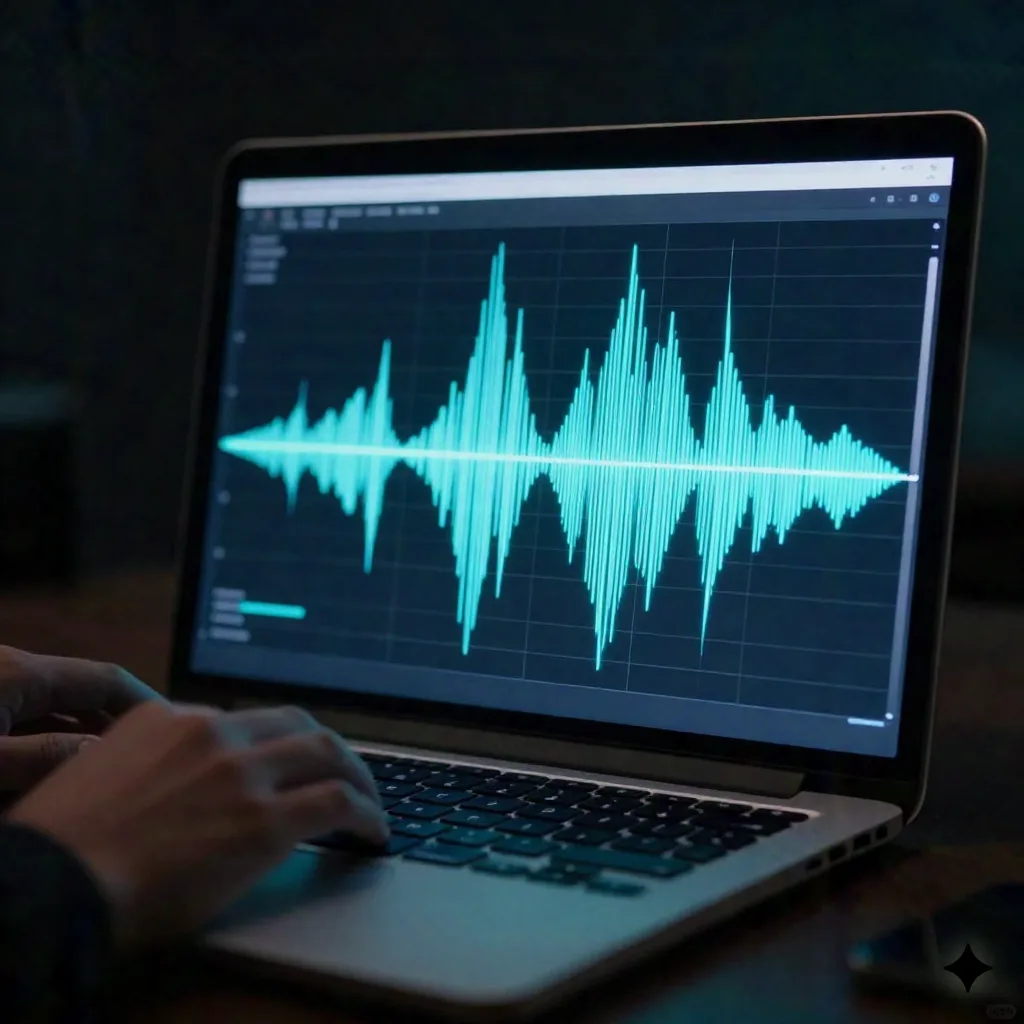
The order matters. Real mic into your interface, into the AI noise cancellation layer running as a virtual device, into OBS or your DAW, then whatever EQ or compression you run after. Put it before your other filters, not after, so a noise gate or compressor downstream is working with already-clean audio instead of fighting artifacts that a badly-ordered chain introduces.
Route it wrong and you will hear it immediately: a compressor riding on top of un-cleaned audio will pump every time your fridge kicks on, because it has no way to know that sound is not you. Fix the order once and the rest of your chain stops fighting noise it was never designed to handle.
On-device processing is the detail worth caring about here too. Krisp and similar tools do this locally, meaning audio never leaves your machine to get cleaned on a remote server somewhere. For anyone who has ever hesitated to run a co-stream call through an unfamiliar app, that is the actual answer to "is this safe to leave running for a three-hour broadcast." No audio upload, no cloud round trip, just a model running on your own CPU the whole time.
What We'd Actually Run
If you stream solo with noise you cannot fully control, or run co-stream calls with people whose rooms you do not manage, Krisp is the app to test first: free 60 minutes a day is enough to know in one session if it earns a permanent slot. If your problem is actually a backing track bleeding into your mic, fix the routing before you blame the AI. Two different problems, two different fixes, and now you know which one you have.