AI Noise Cancellation for Streamers: What Works in 2026
Summary
AI noise cancellation uses a trained neural network to isolate your voice and cut everything else in real time - under 10ms of added latency. In 2026, Krisp runs on any hardware, NVIDIA Broadcast is free with an RTX GPU, and OBS has it built in. Knowing which tool fits your rig matters more than which one scores highest in a benchmark you will never reproduce.
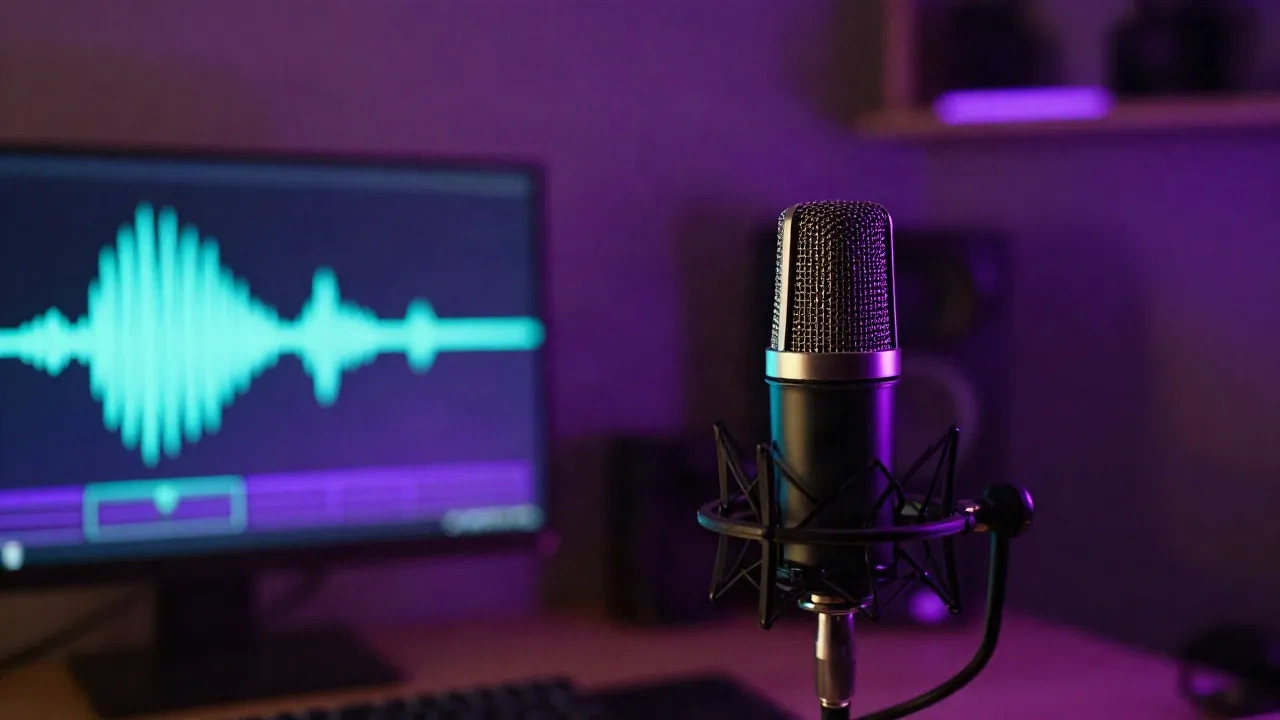
Your stream has background noise. AI noise cancellation doesn't reduce it - it cuts it. A neural network runs between your mic and your streaming app, trained to separate voice from everything else: keyboard clicks, fan hum, room reverb, the neighbor's car. Under 10 milliseconds of added latency when the stack is set up right. In 2026, three tools do this reliably. Krisp works on any hardware. NVIDIA Broadcast is free if you own an RTX GPU. OBS has it built in and most streamers have never touched the setting.
What AI Noise Cancellation Actually Does to Your Signal
Traditional noise gates cut audio when it falls below a threshold. They don't know the difference between silence and a keyboard click that happens while you're talking.
AI noise cancellation uses a recurrent neural network trained on thousands of hours of speech and background noise. It learns what a human voice looks like as a waveform and subtracts everything that doesn't match. The model runs in chunks of a few milliseconds - RNNoise, the open-source model OBS uses, processes frames of 10ms and adds roughly 6.5ms of latency total.
That's fast enough for live streams. It's not fast enough for hardware monitoring through your audio interface, which is why this isn't replacing your physical signal chain - it's sitting in front of OBS, not inside your interface's headphone output.
The practical result: a vocal that reads clean at -14 LUFS even with a mechanical keyboard at 40cm and a desktop cooler running. Not perfect studio silence. But clean enough that your chat stops asking "what's that buzzing?" and clean enough to record session audio you can actually work with later.
Krisp: The One That Runs on Any Rig
Krisp installs as a virtual audio device between your physical microphone and every app that reads audio - OBS, Discord, Zoom, your DAW if you want it there. Your OBS input becomes "Krisp Microphone" instead of your interface's direct input.
The key point: no dedicated GPU required. Inference runs on your CPU using an optimized model that pulls around 1-3% on a modern i5 or M1. That matters on a laptop, a mid-range AMD build, or anything that doesn't qualify for NVIDIA Broadcast's RTX requirement.
What Krisp removes reliably in a real streaming session:
Constant-frequency noise: fans, AC units, PC coolers
Mechanical keyboard clicks and switches
Mouse clicks during silence between sentences
Street traffic below 200Hz
What it handles less cleanly:
Sudden loud impacts that hit before the model adapts
Echo from an untreated room - it reduces the noise floor but reverb tail persists
Monitor bleed if you're tracking loud through open-back headphones
Latency in practice: 6-8ms added on a 2024 Intel build. Not perceptible on stream. Would be audible if you were monitoring yourself through Krisp while performing live - keep hardware direct monitoring from your interface, use Krisp only for the signal that goes to OBS.
Free tier gives 60 minutes per day of noise cancellation. Not enough for a four-hour Twitch session. Pro is $8/month billed annually or $16 monthly. A fair price for a tool that removes a consistent friction from every stream.
NVIDIA Broadcast: Free If Your GPU Qualifies
GeForce RTX 2060 or newer: NVIDIA Broadcast costs nothing and performs on par with Krisp for noise removal. Inference runs on Tensor cores, CPU overhead is negligible - relevant when you're already pushing your processor on a high-bitrate 1080p60 encode.
The 2026 update included Auto-Ducking 2.0, which analyzes speech frequencies and automatically pulls game audio down when you talk. Useful for streamers mixing game audio and voice without a physical console.
The hard limit is hardware. RTX 2060 minimum. No AMD GPUs, no Intel Arc, no laptop with a mobile MX series. If your rig doesn't qualify, NVIDIA Broadcast is not an option for you - skip to Krisp or SteelSeries Sonar.
One thing worth testing before going live: NVIDIA Broadcast is more aggressive than Krisp on noise removal. On vocals with heavy reverb or room coloration, it can introduce artifacts - a slight metallic or hollow quality on consonants. It's rare on a decent mic in a moderately treated room. But test a recording before your first live session.
OBS Has This Built In and Nobody Uses It
OBS Studio ships with two built-in noise suppression filters: RNNoise (AI-based) and Speex (spectral subtraction, older method). Right-click your mic source, open Filters, add Noise Suppression, select RNNoise.
It's not at Krisp's level in complex environments. Mix a loud keyboard, a running fan, and room coloration together, and OBS RNNoise starts to fall apart. But for a streamer with a quiet room and a single dominant background noise source - a PC fan, for example - it's free, functional, and requires no additional software or virtual device setup.
Stack it with a Noise Gate for better results. The gate cuts all audio below your voice's floor. RNNoise handles what leaks through while you're speaking. Together they do more than either does alone.
Two Cases Where AI Noise Cancellation Makes Things Worse
Untreated rooms with bad acoustics. Noise cancellation removes background noise, not reverb tail. A bathroom-acoustic room still sounds like a bathroom-acoustic room with the background noise removed - but now the reverb is the only thing left. If your room is untreated, treat the acoustics before reaching for Krisp.
Open-back headphones bleeding into a hot mic. If you're monitoring your mix loud through open-backs and your mic is sensitive, Krisp reduces some bleed but doesn't eliminate it. The model is trained to recognize voice - and your headphone bleed during playback of a recorded session sounds enough like voice to confuse it. Use closed-back headphones, or route your monitor mix through your interface's zero-latency direct monitoring output.
High-gain dynamic mic chains also suffer: 60+ dB of preamp gain on a cheap interface generates significant self-noise at the hardware level. Processing a structurally bad signal through AI noise cancellation adds artifacts that are worse than just fixing the gain staging first.
SteelSeries Sonar: The Zero-Cost Alternative
SteelSeries Sonar is free, works on AMD and Intel hardware without GPU requirements, and includes AI noise suppression that performs above OBS's RNNoise in most standard streaming environments. The real differentiator over OBS is per-app audio routing: game audio, voice chat, browser, and mic each get their own channel with independent control over what Twitch records versus what you hear in your headphones.
If you own a SteelSeries peripheral, it's the strongest free noise cancellation option for streamers without an RTX GPU who don't want to pay for Krisp.
In complex noise environments - multiple simultaneous sources at varying levels - it sits below Krisp in quality, roughly comparable to NVIDIA Broadcast on a clean source, and meaningfully better than OBS RNNoise alone. For a streamer who doesn't want to spend money and doesn't have an RTX card, Sonar is the right starting point.
The Setup That Actually Works Live
For a Twitch DJ or producer streaming on OBS with a condenser mic in a bedroom or home studio:
Interface direct monitoring for your ears - zero latency, no AI in the listening chain
Krisp (or NVIDIA Broadcast if RTX) as the virtual audio device input in OBS
In OBS: light EQ cutting below 80Hz, mild compression, no additional noise gate if Krisp is set right
Check your levels in OBS audio meter before going live - mic should peak between -18 and -12 LUFS during speech
The quick verification: record a 30-second clip of yourself not talking, while your normal background noise is running at its usual level. With noise cancellation working correctly, the waveform is completely flat during silence. If you're still seeing meter activity, increase the suppression level in Krisp's settings or add a secondary noise gate filter in OBS on top of the virtual device input.
Your gain staging still matters before the AI. A mic that's 20dB too hot hits Krisp with a already-clipped signal. A mic set too low gives the model less voice to work with and more noise-relative-to-voice to confuse it. Clean signal in, clean signal out.
Where to Start
On RTX, start with NVIDIA Broadcast - it's free and the quality is there for most setups. On AMD or older Intel, run OBS RNNoise for one stream and assess. If that's not handling your environment, Krisp's 60-minute free tier is enough to hear what it does to your specific signal before committing to the $8/month.
The real test is always the live session. Run a test stream to a secondary channel with one tool active. Pull up your own stream on a phone with headphones and listen critically. Everything else is theory.
If you're streaming techno sets with a loud keyboard, start with Krisp. If your room is quiet and your only issue is a PC fan, start with OBS's built-in filter. Everything in between - test both.