AI Music Editing: The Tools That Actually Edit Tracks
Summary
AI music editing covers three distinct jobs: stem separation for isolating vocals and instruments, text-based editing for cutting vocal takes by transcript instead of waveform, and automated mastering for hitting streaming loudness targets. It is not the same as AI music generation, the category Suno and Udio actually built for. This guide breaks down what each editing tool does on a track you already recorded, and where mastering still needs a human check before release.
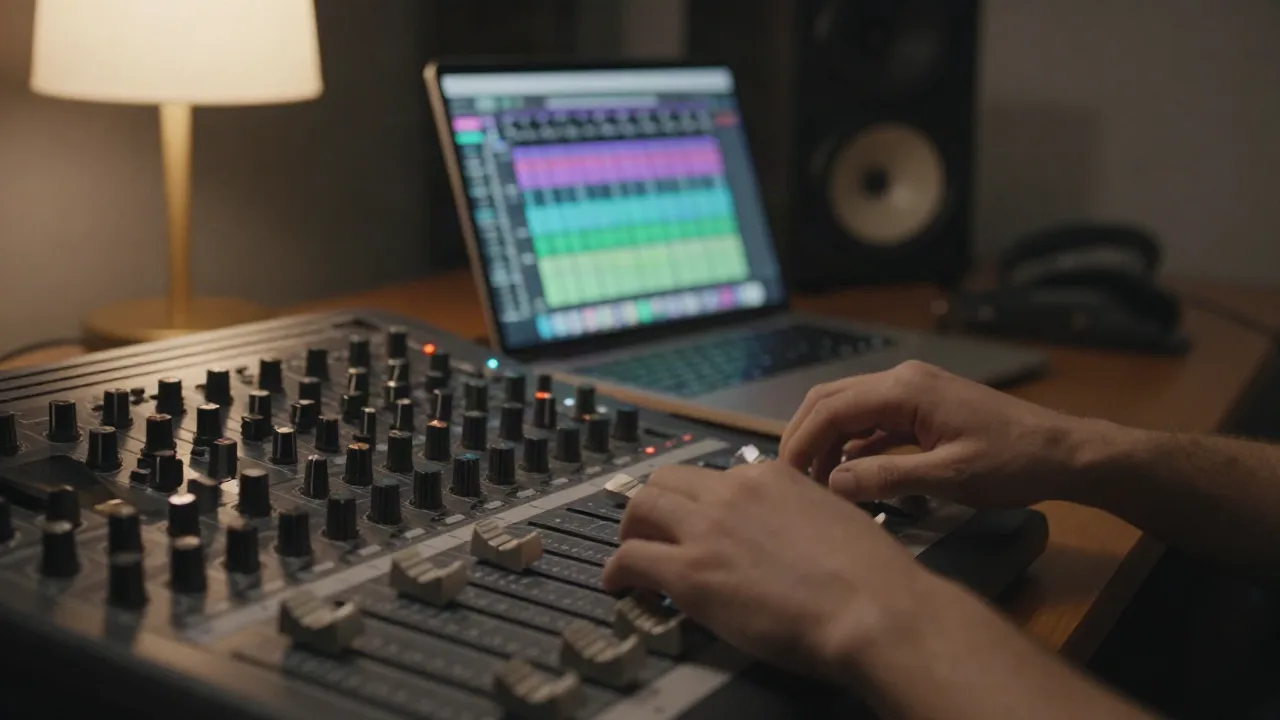
AI music editing today means three separate jobs wearing one label: stem separation, in-track regeneration, and automated mastering. If you came here to isolate a vocal, punch out a bad bar without re-recording the whole take, or push a rough mix toward -14 LUFS without booking an engineer, the tools exist and most of them work. What they don't do yet is replace a producer who knows what the track is supposed to sound like.
The label gets muddy because the biggest names in AI music, Suno and Udio, built their marketing around "creation," and every listicle chasing that traffic reuses the same tools for a different search term. Someone typing "ai music editing" is usually holding a file already, not looking for a blank-page prompt box. This piece is written for that person.
AI Music Editing Means Stem Separation, Not Song Generation
Type "AI music editing" into a search bar and half the results hand you a list of song generators. Suno, Udio, AIVA. Those tools write music from a text prompt. That's generation. Editing is different: you already have a track, a stem, a vocal take, and you want to change it without starting over.
The distinction matters because the workflows don't overlap. A generator gives you a finished loop in one shot. An editor takes something that already exists and lets you isolate, trim, clean, or rebalance it. Confusing the two wastes an afternoon uploading a mixed-down track into a tool built to write a new one.
Where Stem Separation Actually Saves You Time
Stem separation is the part of "AI music editing" that actually earns the name. Upload a mixed track, get back isolated vocal, drums, bass, and instrumental layers. From there you can remix a section, pull a vocal for an acapella edit, or mute a clashing instrument without re-recording the session.
Tool count on stem output varies more than people expect. Soundverse's separator splits a track into up to six stems. Moises caps at five. That gap matters if you need a clean bass stem separate from low-end synth, not just a generic "instrumental" bucket.
Three edits this actually unlocks: pulling an acapella from a reference track for a live remix, muting a guitar that clashes with a new synth line you're layering in, and building a stripped-down intro loop from a full arrangement without re-tracking anything. None of those need a DAW session from scratch. They need a clean stem and twenty minutes.
There's a fourth use case specific to this audience: karaoke and acapella edits for stream segments. Pull the instrumental stem, drop the vocal, and you've got a backing track for a live sing-along segment without licensing a separate instrumental version. It's a small edit with an outsized payoff if that's a recurring bit on your channel.
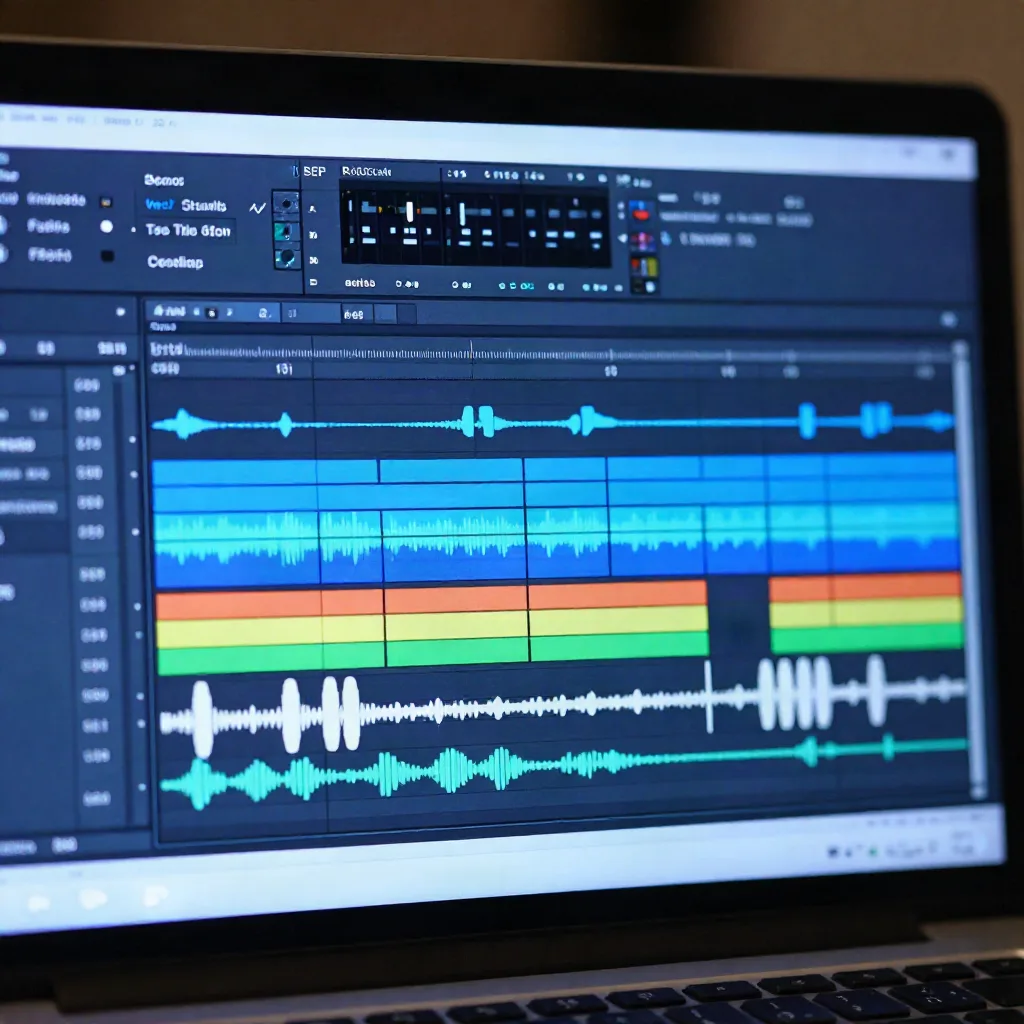
Processing itself isn't the bottleneck anymore. Most cloud separators finish a four-minute track before you've poured coffee. The bottleneck is cleanup after: separated stems almost always carry some bleed from neighboring instruments, and that bleed is where a human ear still beats an algorithm.
For a deeper breakdown of stem-count differences across separators, Soundverse's comparison of stem separation tools is worth the ten minutes.
Stable Audio's Audio-to-Audio Mode Is the Closest Thing to a Remix Button
Most generation tools only go text to audio. Stable Audio also does audio to audio: feed it an existing loop or stem, and it transforms the texture, genre, or energy while keeping the underlying structure intact. That's editing in the sense that matters to a producer, not generation from a blank page.
It's not precise. You don't get sample-accurate control over which sixteenth note changes. What you get is a fast way to generate ten variations of a bassline you already like, then hand-pick the one that fits the arrangement. Treat it as a sketch tool sitting inside your edit pass, not a replacement for it.
Worth it if you're stuck on a transition or a fill and want ten fast options instead of staring at the arrangement view. Skip it if you need to keep a specific performance intact. Audio-to-audio reinterprets what you feed it. It doesn't preserve it.
Text-Based Editing Is Replacing Waveform Editing for Vocals
The other real shift: editing audio by editing text. Descript transcribes your vocal take, then lets you cut, move, or delete words directly in the transcript. Delete a sentence in the text, the audio cuts too. Filler words like "um" and "uh" get flagged and removed with one click.
This started as a podcast feature. It's now creeping into music editing for spoken intros, vocal ad-libs, and any session where you're editing a take by content rather than by waveform shape. If you've ever scrubbed a timeline hunting for a single stray breath, text-based editing is the fix nobody in music production talks about enough.
It won't help you tighten a snare hit or comp a vocal take across five performances. That's still waveform work, and it's still faster by hand once you know the shortcut keys. Text-based editing wins specifically on spoken content: intros, outros, stream drops, and any vocal where the words matter more than the pitch.
AI Mastering Gets You to -14 LUFS, Not a Finished Mix
Automated mastering tools listen to a mix and apply EQ, compression, and limiting to hit a loudness target, usually -14 LUFS for streaming platforms. That part works. Feed it a reasonably balanced mix and it comes back louder, more even, ready for Spotify without clipping.
What it doesn't fix is a mix that was never balanced to begin with. iZotope's RX line ships a Music Rebalance module specifically for pulling apart elements that should have been separated at mixdown. Bridge.audio's rundown of 2026 production tools covers where that kind of repair tooling sits relative to straight automated mastering, and it's a useful reality check before you trust a one-click master on a track with real problems in it.
Loudness targets aren't universal either. Spotify and YouTube both normalize around -14 LUFS, Apple Music sits closer to -16. An automated master tuned to one platform's number can sound over-compressed on another. If you're distributing to more than one platform, that's a setting to check manually, not a default to trust.
Skip automated mastering as your only pass if the track is going somewhere that matters. Use it as a reference point: run your rough mix through it, listen to what it changed, then decide by ear whether those changes are the ones you want permanently.
Suno and Udio Aren't Editing Tools (Even Though Everyone Calls Them That)
Here's the skip take: most "AI music editing" listicles put Suno and Udio at the top. Neither is built to edit audio you already have. Suno generates a full song from a prompt. Udio does the same, with one genuine editing feature bolted on: inpainting, where you select a section of a generated track and regenerate just that part while keeping the rest untouched.
That inpainting feature is real editing. But it only works on tracks Udio generated in the first place. Upload your own vocal take or a mix from your DAW and neither tool does anything useful with it. If your session starts with audio you already recorded, both are the wrong door.
This isn't a knock on either tool for what they're built to do. Generation is a real category with real use cases: stream backing tracks, mood boards, first drafts of a melody you'll re-record properly later. It's just not editing, and the search results treating the two as interchangeable are why half the guides out there send you to the wrong tool.
AIVA sits in the same bucket. It composes orchestral and cinematic pieces from style presets, which is genuinely useful for scoring a montage or an intro sting. It has no mode for opening a file you recorded and changing a section of it. Same category error, different genre.
What We'd Actually Reach for in a Real Edit Session
Two cases where AI editing earns its place in the session, one where it doesn't. It earns its place pulling stems from a reference track for sampling, and cleaning up a vocal take by text instead of by scrubbing a waveform for twenty minutes. It doesn't earn its place as the last step before a release master. Your ears still do that job.
For streamers who need something faster than a full edit pass, real-time tools built for live use are a different category entirely. Mubert generates loopable, royalty-free beds you can drop into a set without touching a DAW at all, which matters more when you're live on Twitch than when you're editing in a studio at 2 AM.
That's the actual split worth remembering: editing tools for the session where the track already exists, generation tools for the moment you need something new and licensed clean right now. Reach for stem separation and text-based editing when you've got a take in hand. Reach for a real-time generator when the stream is live and you need a bed that plays without a DMCA flag ten minutes from now.
If you're editing a track you already recorded, start with stem separation and a text-based pass on the vocal. Save automated mastering for the reference check, not the final call.