Best Stem Splitter 2026: 5 Tools Compared and Ranked
Summary
Best stem splitter in 2026? Moises wins for most people: clean stems, quick, on any device. Ultimate Vocal Remover is the best free pick and topped an independent 12-tool test on raw quality, if you can handle local setup. LALAL.AI suits plugin and API workflows, RipX DAW edits notes inside stems, and Fadr bundles key and BPM detection. Here is what each costs, what it rates and who it fits.
Moises, Ultimate Vocal Remover, LALAL.AI, RipX DAW and Fadr compared on price, stems, independent test scores and fit for streamers and producers.
At-a-glance
| Moises | Ultimate Vocal Remover | LALAL.AI | RipX DAW | Fadr | |
|---|---|---|---|---|---|
| Price | Free tier (5 separations a month), Premium and Pro paid plans. Third-party reviews list roughly $3.99/mo and $9.99/mo, confirm on the live page | Free, open source, MIT licence | Free 10 minutes, Lite $7.50/mo and Pro $10.50/mo billed annually (first-year price) | One-time purchase from $99, 21-day trial of RipX DAW PRO | Basic is free, Plus is $10/mo or $100/yr |
| Stems you get | Vocals, backing vocals, drums, bass, guitar, piano, keys, strings on Pro | Model dependent: vocal, instrumental, drums, bass, other, plus community models | Vocal, instrumental and per-instrument models, minutes multiply by stem types chosen | 6+ stems, then edit each stem note by note | Vocals plus 15 other instruments, with key, tempo and chord detection |
| Where it runs | Web, desktop, iOS, Android, Stems VST on Pro | Local on Windows, Mac, Linux. Nothing is uploaded | Web, desktop, iOS, Android, VST plugin and API on Pro | Desktop app, plus an iPhone version | Web app, with a plugin on Plus |
| Quality in independent tests | 7.85 main score, best ease of use (8.3) in a 12-tool, 13-song test | 8.05 main score, highest in the same test | 6.2 main score, mid-pack with more instrumental bleed than Moises on one track | 5.35 main score, phasey hi-hats and added vocal noise | 4.9 main score, vocals not competitive |
| Fit for a stream or live set | Fast web workflow, pitch and tempo tools, good for prepping edits | Batch prep offline, then load stems into your DAW or deck | VST plugin on Pro gives local processing inside the DAW | Studio tool for remixes, not for quick prep | Key and BPM in one pass helps mashup prep |
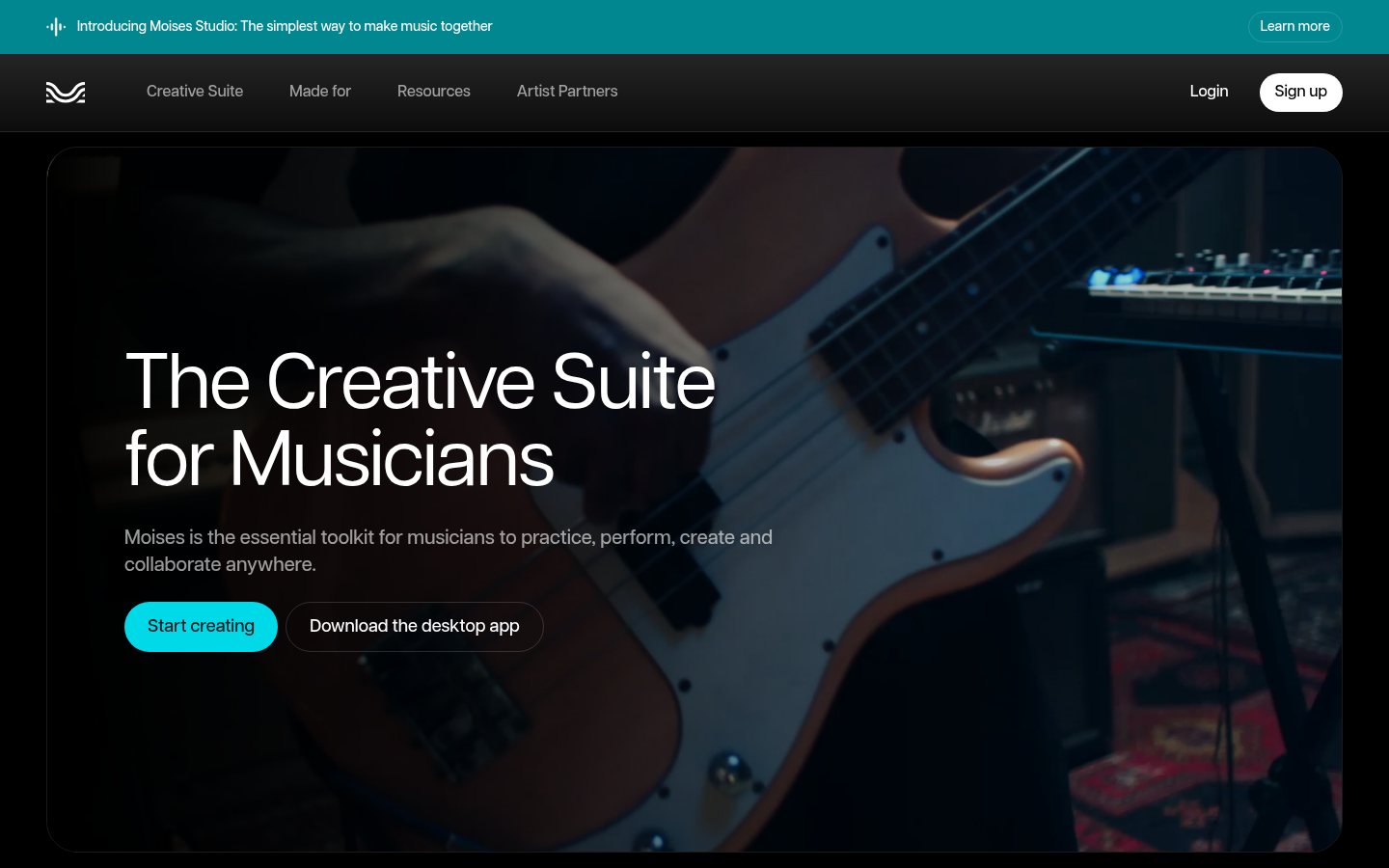
Moises
- Highest ease-of-use score (9/10) and speed score in a 12-tool, 13-song independent test.
- Easiest option for isolating background vocals, and strong on electronic drum stems.
- Runs on web, desktop, iOS and Android, so you can prep stems from anywhere.
- Pro adds a Stems VST plugin and extra stem types like guitar, piano and strings.
- Full pricing sits behind a login, so you cannot compare plans without an account.
- The free tier is capped at a handful of separations a month.
- Like every splitter, bass stems lose high-end detail and drums lose some transient snap.
The pick for most people: quality close to the top, with the least friction.
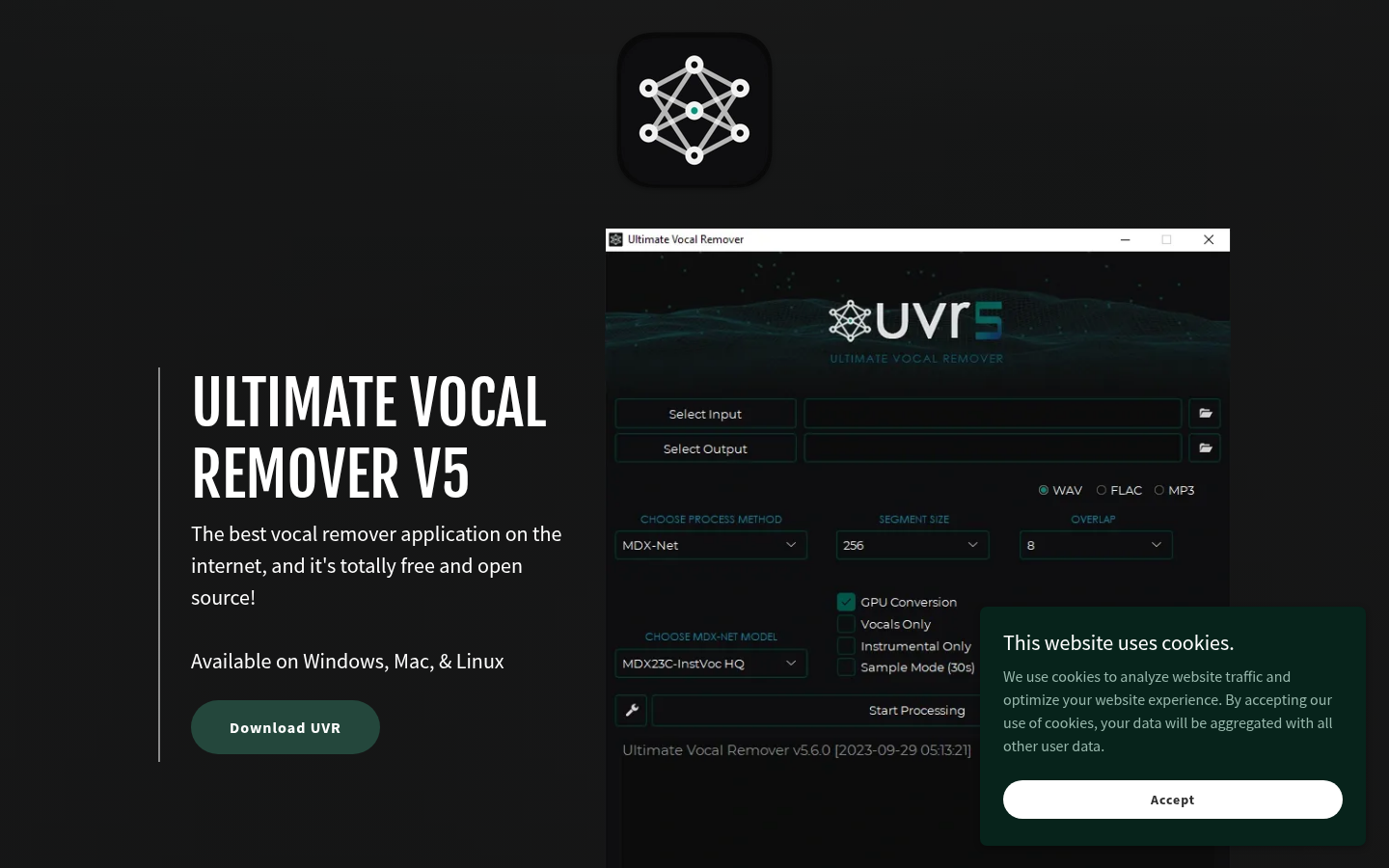
Ultimate Vocal Remover
- Highest main score (8.05) in the independent test, ahead of every paid tool.
- Free and open source under the MIT licence, with no minute caps.
- Runs locally, so unreleased tracks never leave your machine.
- Model library lets you pick one tuned for vocals, instrumentals or drums.
- Setup and model choice take time. Expect a learning curve before you get clean results.
- An Nvidia GPU with 8 GB of VRAM is recommended, and CPU-only runs are slow.
- No support contract, so you are on your own when something breaks.
Best raw results for the price of nothing, if you can handle the setup.
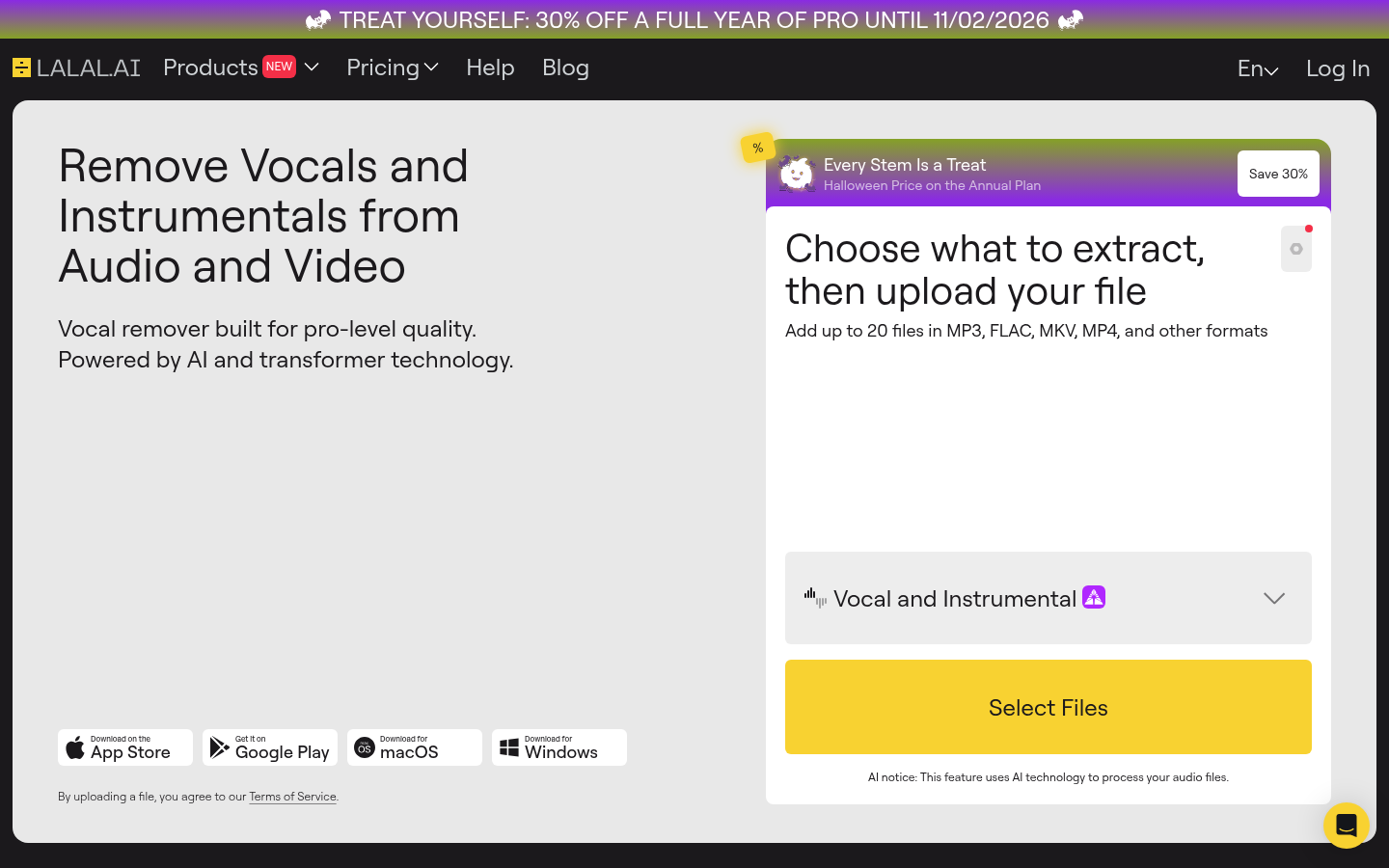
LALAL.AI
- Pro plan includes a VST plugin, local processing and API access.
- Batch upload and files up to 2 GB on paid plans.
- Free Starter plan lets you preview results before paying.
- Wide set of stem types and apps on web, desktop, iOS and Android.
- Landed mid-pack in an independent test, with more instrumental bleed in vocals than Moises.
- Minutes are multiplied by the number of stem types you pick, so costs climb fast.
- The 30% off annual price is a first-year price that renews at the standard rate.
Solid and flexible, but not the cleanest for the money.
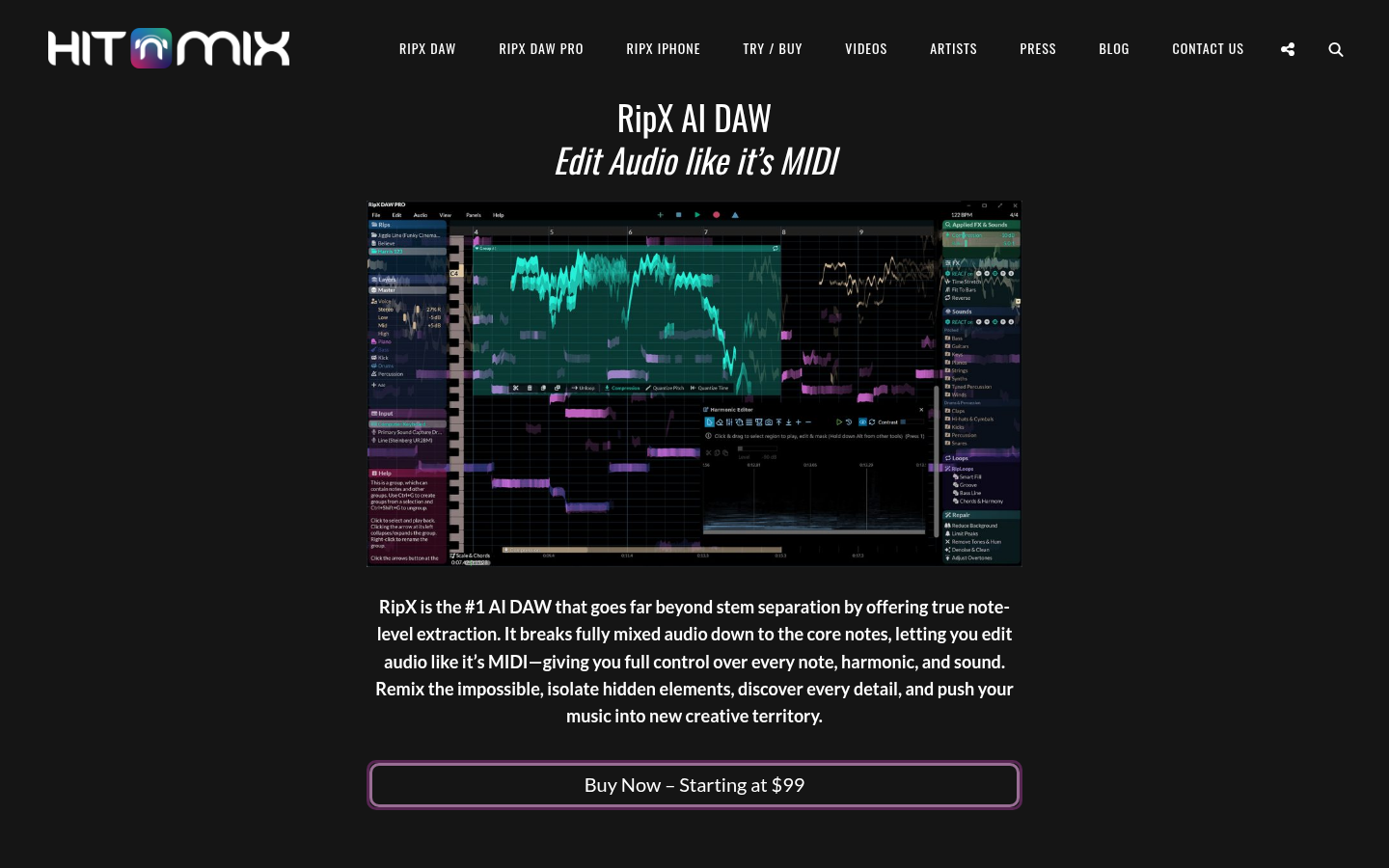
RipX DAW
- Breaks audio into notes you can edit like MIDI, which no other tool here does.
- One-time purchase from $99, no subscription.
- 21-day trial of RipX DAW PRO lets you test it on your own tracks.
- Fits sound design and instrument replacement, not only stem export.
- Separation quality lagged in an independent test, with phasey hi-hats and added vocal noise.
- Heavier workflow than a drag-and-drop splitter for quick jobs.
- Desktop software, so no instant browser use for a fast one-off.
Great editor, average splitter. Buy it for the editing.

Fadr
- Extracts vocals plus 15 other instruments from one upload.
- Key, tempo and chord detection plus a remix tool in the same app.
- Free Basic plan, with Plus at $10/mo or $100/yr for advanced features.
- Plus adds individual drum separation, a plugin and lossless WAV downloads.
- Vocal quality was not competitive in an independent test, scoring 4.9 out of 10.
- Background vocal separation was weaker than Moises on a layered gospel track.
- Feature-heavy interface, but the stems themselves trail the leaders.
Handy toolbox for mashup prep, not the one to trust for vocals.
Verdict
Pick Moises if you want clean stems with the least friction, and Ultimate Vocal Remover if you want the best raw quality for free and can handle setup. LALAL.AI is a solid plugin-and-API option that did not beat either in independent tests. RipX DAW is for editing notes inside stems, not for the cleanest split. Fadr is a handy toolbox for key, BPM and stems, but its vocals trailed the pack. Whatever you pick, bass stems and acoustic drums stay the weak spot for every tool.
How we tested
We did not run our own listening test for this piece. Rankings lean on two independent 2026 sources: a 12-tool, 13-song grading by Music By Mattie, which scored separation, artifacts, tone, options, ease, speed and value, and MusicTech's July 2026 round-up of nine tools. Prices and plan limits come from each vendor's own page where it was reachable (LALAL.AI, Fadr, Hit'n'Mix for RipX, the Ultimate Vocal Remover project page). Moises keeps full pricing behind a login, so its plan prices are flagged as third-party figures. Scores out of 5 are our own weighting of those test results plus workflow fit for streamers and live producers. Check live pricing before you pay.
Best stem splitter for most people in 2026: Moises. It scored near the top in an independent 12-tool test, and its ease and speed beat everything else. Ultimate Vocal Remover is the best free pick and posted the highest quality score, but you set it up yourself. LALAL.AI, RipX DAW and Fadr each win a narrow job. Here is how the five compare.
What a stem splitter actually does
You feed it a mixed track. It hands back vocals, drums, bass and the rest as separate files. That is useful for DJ edits, live remixes, karaoke beds, sampling ideas and cleaning up your own bounces.
None of it is perfect. An independent test of 12 splitters found every tool loses high-end detail on bass and softens drum transients. Sparse mixes with one voice split best. Dense mixes split worst. If you can get the real stems from the artist, take those.
One more thing for streamers. Splitting a copyrighted song does not clear the rights to play it. The stem is still someone else's recording. Use stems from tracks you own, license or made yourself.
How we ranked them
We weighted three things. First, separation quality from independent tests. Second, how fast you get a usable result. Third, price against what you get. The method is spelled out in the methodology note below, including what we did not test ourselves.
Moises wins the all-rounder slot
Moises scored 7.85 for quality and 8.3 for usability in the Music By Mattie test, the best usability score of the 12 tools. It was also the easiest way to pull background vocals out of a layered gospel track, and it handled electronic drums well.
It runs on web, desktop, iOS and Android. Pro adds a Stems plugin for your DAW. The catch: full plan pricing sits behind a login, so you only see it once you sign up.
Ultimate Vocal Remover is the free quality king
UVR posted the highest main score of the field at 8.05. It is free, open source and local, so nothing leaves your machine. The reviewer's picks: Kim Vocals 2 for clean vocal extraction and an MDX23C InstVoc model for instrumentals.
The price is your time. You install it, pick models and run them. Recommended hardware is an Nvidia GPU with 8 GB of VRAM. If that sounds like fun, start here.
LALAL.AI, RipX DAW and Fadr: three narrow wins
LALAL.AI makes sense when you want a plugin or API. Pro includes a VST, local processing and API access. In the same independent test it landed mid-pack, with more instrumental bleed in the vocal stem than Moises on one track.
RipX DAW does something the others skip. It turns a mix into editable notes. Splitting quality trailed in testing, so treat it as an editor first.
Fadr gives you stems, key, tempo and chords in one upload. Its vocals scored lowest of the five here. Good for mashup prep, weak for acapellas.
Which one for your setup
Streamer prepping edits fast: Moises.
Producer who wants max quality and no bill: Ultimate Vocal Remover.
DAW plugin or API pipeline: LALAL.AI Pro.
Remix with note-level fixes: RipX DAW.
Mashups with key and BPM: Fadr.
Your DAW may already have a splitter. In the same test, Ableton's built-in tool scored 7.2 and was the best of the DAW options. If you only need a quick vocal pull, try that before paying for anything.
Verdict
Moises for speed and ease, Ultimate Vocal Remover for quality at zero cost. Start with the free options, hear what your own tracks give you, and only pay when a plugin or an app saves you real time.